
Teach over anything
Annotate slides, maps, video or a learner's work, then save the board to Google Drive or OneDrive instead of wiping it.

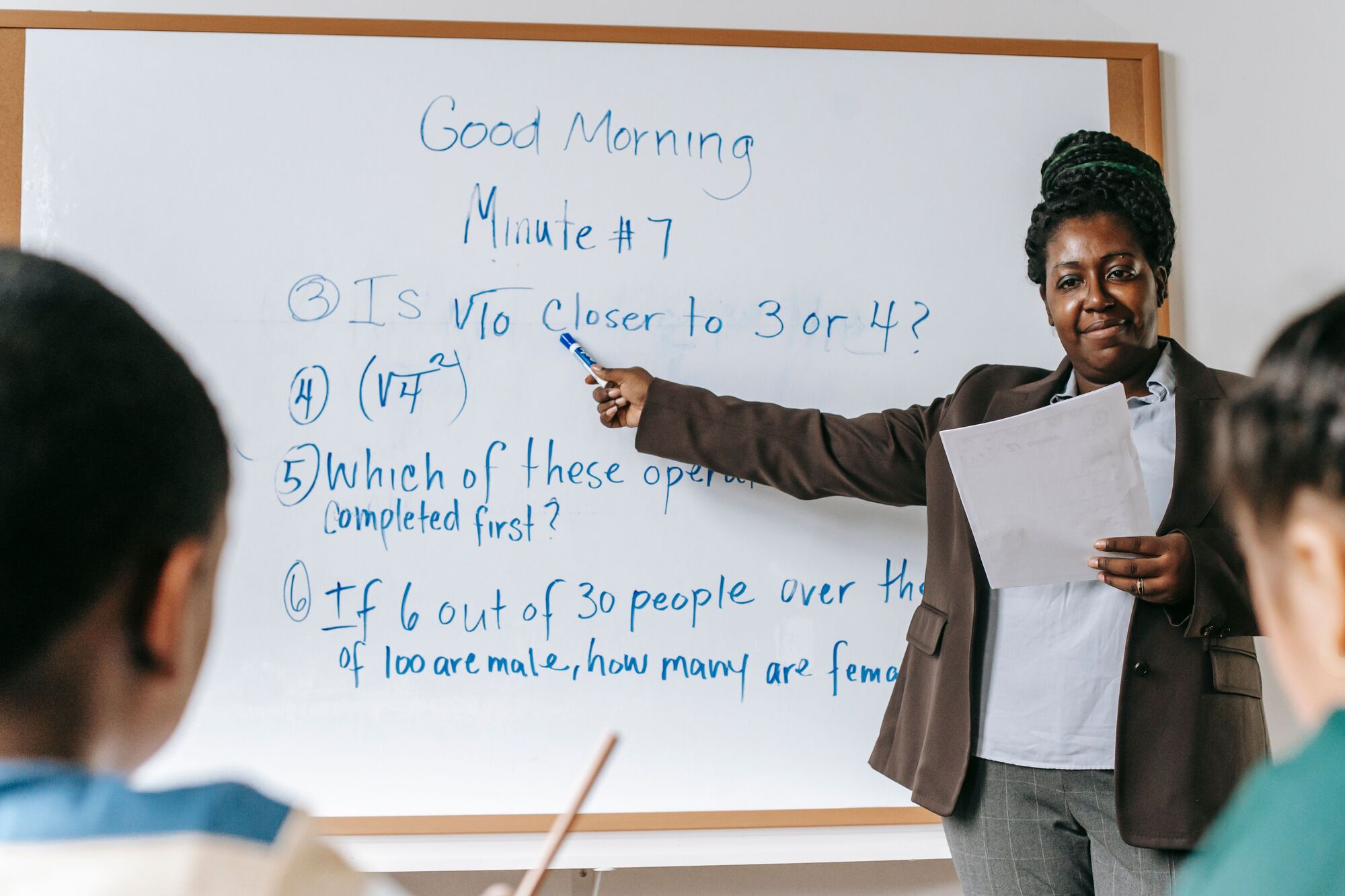
An interactive whiteboard is a large touch display that teachers and presenters write on, annotate and share from. Arke Technologies specifies, supplies (through Server Hub), installs and supports interactive whiteboards for South African schools, colleges and boardrooms, configured on your network and accounts from day one.
An interactive whiteboard, often called a smart board or smartboard, is a display the whole class can see that also responds to touch and pen. A teacher can write over any content, move objects with a finger, open a website or video, and save the whole board for learners who missed the lesson. A smart board is an interactive whiteboard: the name came from one early brand and stuck to the category.
Two technologies sit under the name: the interactive flat panel, a touch screen with its own computer, and the projector-based board. We help you choose, then supply, install, configure and support the right one as part of your school IT.

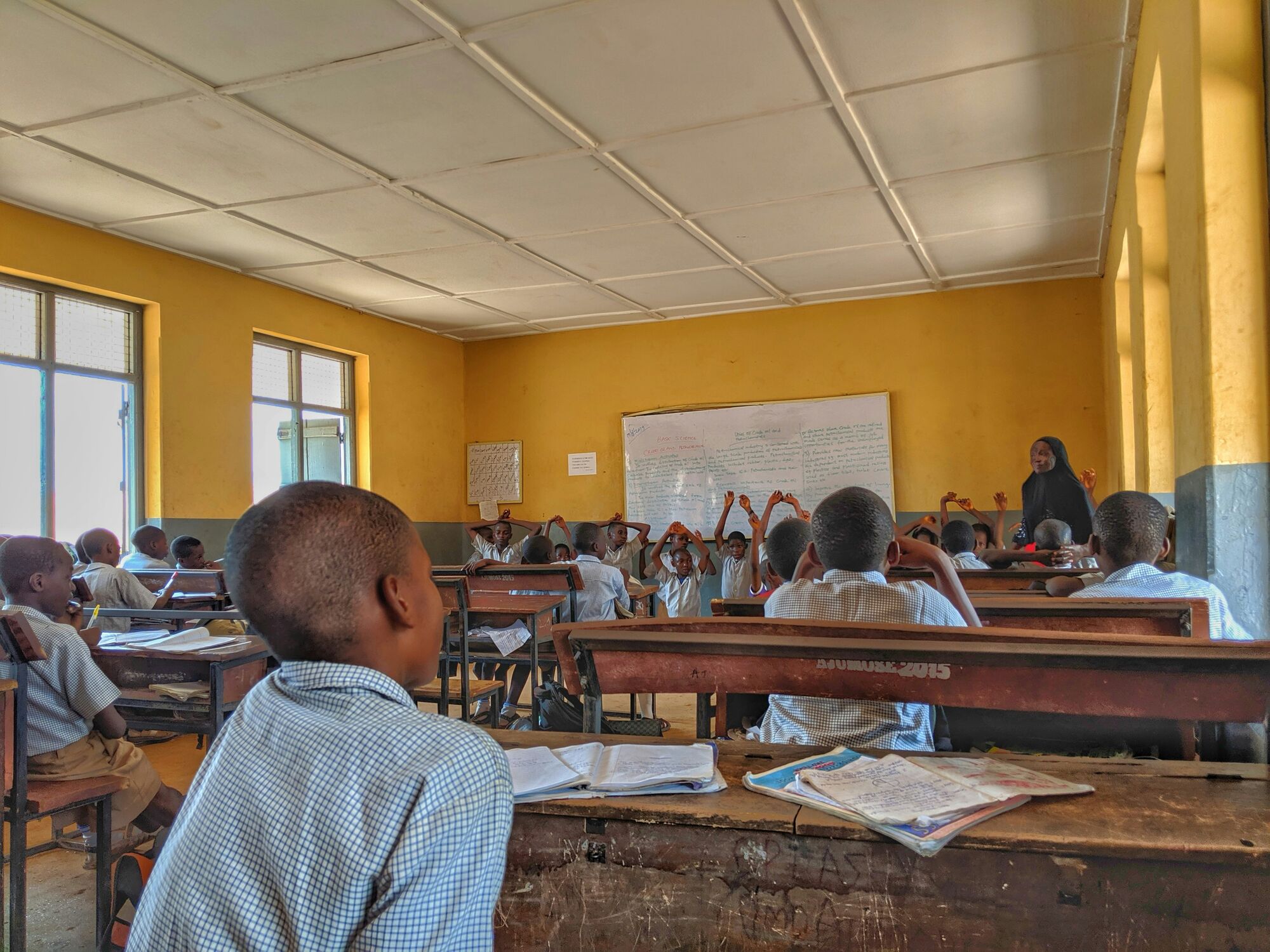
| Interactive flat panel (interactive screen) | Projector-based interactive whiteboard | |
|---|---|---|
| How it works | A large touch screen with a built-in computer | A short-throw projector shines onto a board that tracks pen or touch |
| In a bright room | Clear image; no shadow from the teacher | Image can wash out; the teacher casts a shadow |
| Upkeep | Firmware and app updates, cleaning | Projector lamp or filter changes and periodic recalibration |
| Up-front cost | Higher | Lower, especially if the projector is already installed |
| Best for | New rooms and replacements | Rooms that already have a working projector |
If your school already has working projectors, a board for projector use (an interactive surface paired with the existing projector) can extend their life. A smart board and projector setup costs less up front; a panel usually costs less to keep running and gives a brighter picture, so for new rooms we usually recommend a panel. Smart TVs are not smart boards: they have no pen input or classroom software.

| Term you will see | What it usually means |
|---|---|
| Smart board, smartboard | The everyday name for any interactive whiteboard or panel |
| Interactive flat panel, interactive screen | A large touch display with a built-in computer |
| Smart whiteboard, smart white board | A whiteboard-sized display with digital ink, often wall-mounted in place of the old board |
| Digital whiteboard, e-whiteboard, electronic whiteboard | Often the same hardware; also used for whiteboard software and online white board apps for teaching |
| Active whiteboard | An older name for an electronic whiteboard that captures pen strokes |
| Interaktiv whiteboard | The Scandinavian spelling of interactive whiteboard, seen on imported panels and manuals; the same product |
| Board for projector | A surface designed for projection, sometimes with pen tracking added |
A smart board in the classroom earns its place when it saves the teacher time:
Annotate slides, maps, video or a learner's work, then save the board to Google Drive or OneDrive instead of wiping it.

Learners cast from their Chromebooks and laptops, so a group presents without swapping cables.
With a camera and microphone, the panel becomes a digital whiteboard for online teaching through Google Meet or Microsoft Teams.
Multi-touch panels let several learners write at once; digital whiteboard software keeps the result.
A lesson built once on the smart board for teaching can be shared with colleagues and posted to the learning platform.
Training separates a board that changes teaching from an expensive screen, so every installation includes hands-on training for teaching staff. The platforms behind the board matter too: see Google Workspace and Microsoft 365 for Education.
Last reviewed: September 2026.
Smart board price in South Africa depends on six drivers more than on the brand.
| Cost driver | How it changes the price |
|---|---|
| Size | Larger panels cost more; size to the room, not the budget |
| Built-in computer | Android version, memory and storage; an optional plug-in Windows module adds cost and a Windows licence |
| Resolution and touch | 4K resolution and more touch points cost more |
| Mounting | Fixed wall bracket, mobile trolley or height-adjustable stand |
| Installation | Wall strength, a power point and a network point at the display, removal of the old board |
| Software, warranty and support | Whiteboard software licences, the warranty term and on-site service |
Compare smart board cost for schools as a total over the years you expect to use each display. The interactive board price you see online rarely includes mounting, installation, training or support; we quote the installed cost, with each of those itemised so a governing body sees what it is approving. Server Hub prices every line in rand with VAT included, backs each priced line with a dated, verifiable source, and typically quotes within a few business hours. New displays carry a 12-month local warranty, in addition to your Consumer Protection Act rights.
The clever part of a modern panel is not the screen but the software and central management behind it. Check these before you buy:
01.
We assess each room: the wall, sight lines, power, network point and existing equipment.
02.
We recommend size, mounting and computer module, with the options in writing.
03.
Server Hub quotes each line in rand with VAT included; units are configured and bench-tested before dispatch. See IT hardware supply.
04.
Our team mounts each display, runs and certifies the data cabling and connects it, under one contract with Arke Technologies.
05.
Network segment, content filtering, firmware, casting and teacher sign-in.
06.
A session per staff group, an asset register with serials and warranty dates, and admin credentials in your name.
07.
Faults go through our service desk under your SLA; see device and IT asset management.
The same hardware works in a boardroom. Smart boards for business replace the projector, the flip chart and the meeting-room PC: presenters share wirelessly, the team annotates a plan together, and remote attendees join through Microsoft Teams or Google Meet with a camera and speakerphone. We configure boardroom displays under the same security baseline and SLA as your other devices. See Microsoft Teams and business telephony.

An interactive whiteboard is a large display that responds to touch and pen, so a teacher or presenter can write over content, move objects and save the result, and a smart board is the same thing under an everyday name. Most are now interactive flat panels with a built-in computer; older models use a projector shining onto a pen-sensitive board.
The price depends mainly on size, the built-in computer, mounting, installation and support, so two quotes for the same screen size can differ widely. Server Hub quotes each line in rand with VAT included and a dated source, typically within a few business hours.
Teachers use a smart board in the classroom to teach over any content, write notes that are saved rather than wiped, show videos and websites, and let learners present from their own devices. With a camera it also serves hybrid and online teaching. The return comes from training: a board used only as a projector screen wastes most of what it cost.
A smart TV cannot: it has no pen input or classroom software and is not built for all-day touch. An existing projector can, if you add an interactive board or pen-tracking kit, which costs less up front but brings shadows, lamp or filter changes and recalibration. For new rooms we usually recommend an interactive flat panel.
Common classroom sizes are 65, 75 and 86 inches, with larger formats for halls and lecture rooms, but the right size depends on the distance to the back row and the smallest text learners must read. We measure each room on the site survey and recommend the size, mounting height and stand before we quote.
Yes. Through the panel's browser and apps, or a plug-in Windows module, teachers can open Google Classroom, Drive, Microsoft Teams and OneDrive and save boards straight to them, which is what most schools mean by a Google digital whiteboard. We set sign-out rules so a teacher's account is not left open for the next class.
For home use and one-to-one online teaching, a full classroom panel is usually more than you need: a pen tablet or touch-screen laptop with an online whiteboard app does most of the job for far less. A classroom digital whiteboard pays off when a group shares the screen or a teacher runs hybrid lessons for a full class.
Yes. Boardroom displays are the same class of hardware, set up for wireless presenting, shared annotation and video meetings on Microsoft Teams or Google Meet. We supply them through Server Hub, configure them on the corporate network under your security baseline and support them under the same SLA as your other devices.
Tell us the rooms and the numbers: Server Hub quotes the displays, and we plan installation and support around them. Comparing a smart board for sale online? Send us the link and we will quote the full installed cost.