
010 447 2445Contact
Arke Technologies home
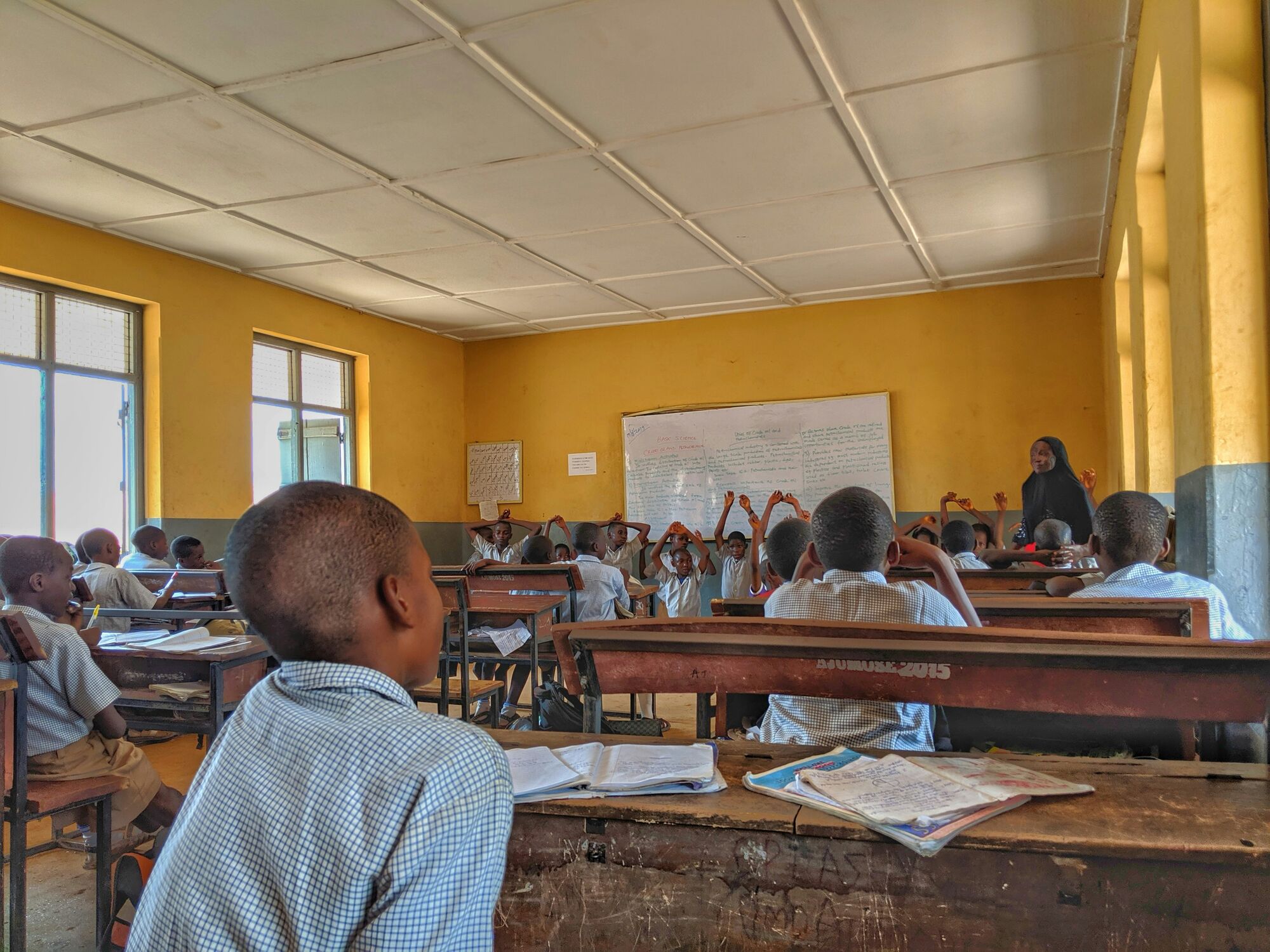
A learner stands in a yellow-walled classroom as a lesson begins.

Wi-Fi solutions for schools and campus networks

Wi-Fi solutions for schools are the cabling, switches, access points, firewall and content filtering that let every classroom, lab and office connect safely at the same time. Arke Technologies designs, installs, secures and supports school networks for independent and public schools, colleges and campuses across South Africa, from Johannesburg.

IT infrastructure for schools: what the network has to carry

A school network works harder than an office network of the same size. At 07:45 hundreds of learner devices sign in within minutes; the administration office runs SA-SAMS, fees and payroll on the same cables; and interactive displays stream video in classroom after classroom. The network has to absorb those peaks, keep each group apart and keep working when the power goes.

IT infrastructure for schools comes in layers, and any one of them can be the bottleneck:

  • The line in. Business fibre, with fixed LTE as a second route.
  • The edge. A firewall that filters content, separates networks and records what happened.
  • The core and the cabling. Managed switches with VLANs, Cat6 to every access point, fibre between buildings.
  • The Wi-Fi. Access points planned for the devices in each room, not only for coverage.
  • Power. Power over Ethernet (PoE) switches and a UPS in each network cabinet, to ride through load-shedding.
  • Management. Monitoring, documentation and one accountable team.

Our education IT overview shows how the network fits with devices, platforms and support.

Learners in school uniform at their desks in a busy classroom.

Wi-Fi solutions for schools: design for classrooms, not corridors

The best Wi-Fi for schools is designed around capacity. A common rule of thumb for offices is one access point per 150 square metres, but a classroom of 35 learners working on devices at once needs its own access point, and a hall needs several. Face-brick walls, concrete slabs and prefabricated classrooms all change the plan, so we survey before we specify.

What we design in:

  • Wi-Fi 6 (802.11ax) or newer access points, which serve many devices at once far better than older standards.
  • PoE+ (802.3at) switches with at least a 20% margin on the power budget, because Wi-Fi 6 access points draw more power than older models.
  • Overlapping coverage, so a failed access point or a firmware update does not leave a classroom offline.
  • Central management from a cloud dashboard or an on-site controller. Where management carries a subscription, we check what the access points do if it lapses, because vendors differ.
  • Roaming that follows a teacher's laptop from classroom to staff room.

We configure Fortinet, Sophos, MikroTik, Ubiquiti UniFi, TP-Link Omada and Cisco equipment. Hardware comes through our trading division Server Hub, configured and bench-tested before dispatch, with a local warranty on every unit. The wider design principles are on business Wi-Fi and wireless networks.

A learner reads from a textbook in a full classroom.

Separate networks for learners, staff, administration and guests

A single flat network is the most common weakness in school IT. A learner device that picks up malware should never be able to reach the bursar's computer or the SA-SAMS database. We divide the school into segments, each with its own rules:

Network segmentWho or what uses itTypical rules
LearnersLearner devices and school ChromebooksStrictest content filtering by grade; no route to staff or administration systems
StaffTeachers' laptops and staff-room devicesLighter filtering; access to printers and displays; school sign-in required
AdministrationBursar, reception, SA-SAMS and finance computersIsolated, wired where possible, reachable only from named devices
Guests and parentsVisitors, sports days, parents' eveningsInternet only, time-limited and bandwidth-capped
DevicesInteractive displays, printers, CCTV, access controlNo web browsing; reachable only by the systems that manage them

Devices and displays have their own pages: learner devices and Chromebooks and interactive displays.

Campus network infrastructure: joining blocks, residences and sports fields

Wi-Fi solutions for campus sites add distance and scale. Copper cabling stops at 100 metres, so separate blocks, residences and sports facilities are joined with fibre. Fibre also isolates buildings electrically, which matters in Highveld storms, when a lightning surge travelling along copper between buildings can destroy the switches at both ends.

Campus network infrastructure is built in tiers: a core in the main server room, distribution switches in each building and access switches feeding the rooms. We add redundant links where one failure would take a block offline, and design residences for their evening load. Universities and TVET colleges have their own page: IT for universities, TVET colleges and training providers. Our team designs, installs, certifies and documents the cabling; see structured cabling.
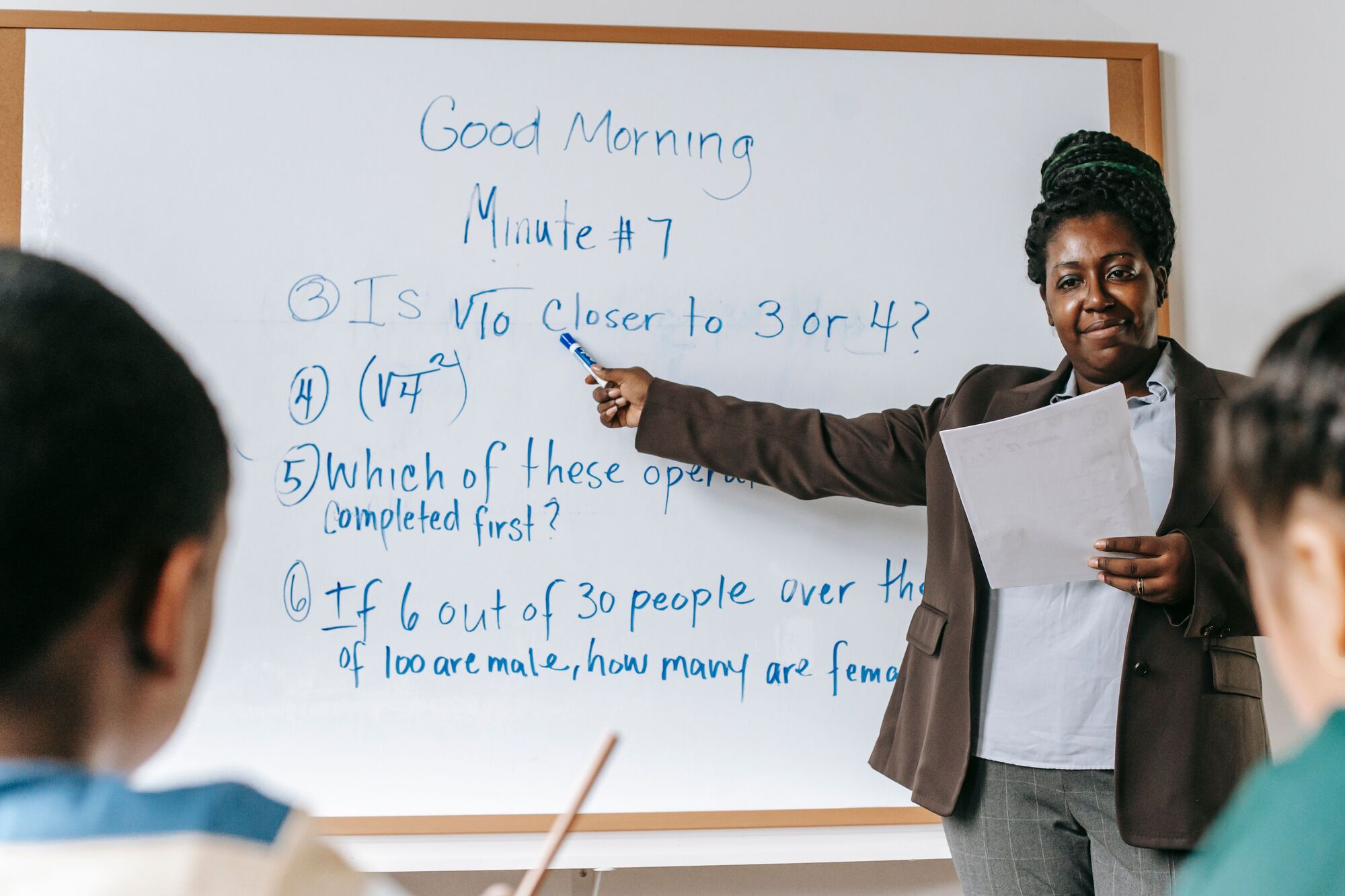
A teacher works through a maths problem on a whiteboard.

Content filtering and online safety on the school network

The firewall is where a school decides what learners can reach. We filter by group, strictest for the Foundation Phase, lighter for Grade 12 and lighter again for staff; we enforce safe search, restrict video platforms to suitable content and block the proxy tools learners use to get around the rules. Where learners take school devices home, device policies can apply the same rules off the school network.

The firewall's logs are also evidence when a governing body investigates an incident, or the school must show how a security compromise happened. The wider picture is on cybersecurity, POPIA and online safety for schools and firewalls and network security.

A learner stands in a yellow-walled classroom as a lesson begins.

Wireless internet for schools starts with the line in

Wireless internet for schools is only as good as the connection behind it. Our connectivity division, Fibre Boyz, has connected homes and businesses since 2017 and supplies uncapped business fibre and fixed LTE, connected, billed and supported by us: one bill, one number. A fixed-LTE line gives the school a second route when the fibre is cut, and bundled into a support contract, the line, the network and the help desk sit with one supplier. See business connectivity.

A learner reads from a textbook in a full classroom.

How we deliver a school network

  1. Survey

    We walk the site, count devices per room, note building materials, power and existing cabling, and map the timetable's peak times.

  2. Design and proposal

    You receive a written design with access-point positions, network segments and a bill of materials, with hardware itemised in rand, VAT included, each line backed by a dated source.

  3. Installation

    Our team installs cabling, cabinets, switches, access points and the firewall, usually in the school holidays or after hours so teaching is not disrupted.

  4. Testing

    We test every cable run, measure coverage and load-test with a full class of devices before sign-off.

  5. Handover

    You receive as-built drawings, cable test results, configurations and the administrator credentials, all in the school's name.

  6. Managed support

    Under a service-level agreement (SLA) we monitor the network, fix faults, apply firmware updates and review performance with you every month. See network monitoring.

How much do schools pay for Wi-Fi?

Last reviewed: September 2026.

What a school pays for Wi-Fi depends on its buildings more than its enrolment: classrooms needing access points, cable distances, buildings to join with fibre and backup power. A new network is a once-off project plus monthly costs.

Cost lineHow it is pricedWhat drives it
Survey and designQuoted per projectNumber of buildings and classrooms
HardwareItemised Server Hub quote in rand, VAT includedAccess points, PoE switches, firewall, cabinets, UPS
Cabling and installationQuoted per project after the surveyCable runs, fibre between buildings, ceiling access, after-hours work
Licences and subscriptionsAnnual or multi-year, per deviceCloud management and firewall security subscriptions
ConnectivityMonthly, per lineLine speed, backup line, number of sites
Managed supportPer user (seat) per month, set after an assessmentDevices, sites, SLA targets

Plan for renewals from day one: on firewalls that inspect traffic, the security subscription over three years often costs as much as the appliance, or more. For context, published South African managed IT rates run from about R180 to R400 per user per month (matnet.co.za, September 2026). We quote after a survey, and a network can be phased across more than one budget year.

Governance, procurement and continuity

  • SLA and reporting. The SLA fixes scope, exclusions and on-site policy, and is set to the school's needs. Incidents are prioritised from P1 (a critical outage) to P4 (a low-impact request), with response and resolution targets matched to the impact of downtime and agreed in your SLA. Each month you receive a service review and report on network health, faults and changes.
  • Change control. Firewall rules, filtering categories and network changes are requested, approved and recorded, so the school knows who changed what, and why.
  • POPIA and governance. Administration networks are isolated, logs kept for a defined period and equipment access limited to named people. King IV Principle 12 asks the governing body to govern technology and information; the monthly report gives it the record. See King IV technology governance.
  • Procurement. Arke Technologies is a Level 1 B-BBEE contributor, giving 135% procurement recognition (sworn affidavit available on request). Company documents, a bank confirmation letter, our CSD number and tax compliance status are available on request, and we complete SBD forms when a bid requires them. We respond to a request for quotation or a tender, work on your purchase order, and keep the paperwork a governing body needs for the annual audit of school funds. Where a provincial education department is the buyer, we work to PFMA procurement and reporting disciplines. See company facts for procurement teams.
  • Continuity. The equipment, configurations, documentation and credentials belong to the school, and we hand over cleanly if you move. A certified team works remote-first from Johannesburg and on site as your SLA sets out: one contract, one accountable team.

Frequently asked questions

What is the best Wi-Fi for schools? Show answer

The best Wi-Fi for schools is designed for the number of devices in each room, not only for coverage. That means Wi-Fi 6 access points, usually one per classroom where learners work on devices, PoE+ switches on backup power, separate networks for learners, staff and administration, and content filtering at the firewall. The design and the management matter more than the brand.

How much do schools pay for Wi-Fi? Show answer

A school pays once for the survey, hardware, cabling and installation, then monthly for connectivity, licences and support. The once-off cost depends mainly on the number of classrooms, cable distances and buildings to join with fibre, so we quote after a site survey. Hardware is itemised in rand with VAT included, and subscriptions are shown with their renewal cost.

How many access points does a school need? Show answer

Most schools need one access point in each classroom where learners use devices at the same time, plus several in halls, libraries and staff rooms. Office rules of thumb, such as one per 150 square metres, undercount a school because density matters more than floor area. Thick walls and separate blocks add more, which is why we survey before we specify.

Will the school Wi-Fi work during load-shedding? Show answer

Yes, if the network is designed for it. Access points powered over Ethernet take their power from the switch, so a UPS in each network cabinet keeps the Wi-Fi running without a battery in every ceiling. We size each UPS to the switch load and the outage you need to cover, and put the firewall and fibre router on it too.

Should learners and staff be on separate Wi-Fi networks? Show answer

Yes. Learners, staff, administration, guests and devices such as CCTV should each sit on their own network segment with their own rules. Separation stops a compromised learner device reaching finance or SA-SAMS computers, lets you filter each group appropriately and is part of the security safeguards POPIA expects.

Can you filter what learners can access on the school network? Show answer

Yes. We filter at the firewall by group and grade, enforce safe search, restrict video platforms and block the proxy tools used to bypass the rules. Device management extends the same policies to school devices off the network, and we review filtering with the school each term.

Do you supply the internet line as well? Show answer

Yes. Our connectivity division, Fibre Boyz, supplies uncapped business fibre and fixed LTE, and we can add a second line for resilience. Bundled into your support contract, one supplier answers for the connection, the network and the help desk, on one bill. Speeds and prices depend on the school's address.

Plan a school network that holds up on a Monday morning

Start with a site survey and a written design your governing body can approve before anything is bought. Call 010 447 2445 or send us your school's details.