
010 447 2445Contact
Arke Technologies home
A learner reads from a textbook in a full classroom.

Edtech and IT for schools, colleges and universities

Arke Technologies is a Johannesburg edtech and IT partner for independent and public schools, universities, TVET colleges and training providers across South Africa. We set up Google Workspace for Education and Microsoft 365 Education, manage learner devices and school networks, supply interactive displays through Server Hub and protect learner data under POPIA.

What is edtech? A plain definition for schools

Edtech, short for educational technology and sometimes written edutech, is the hardware, software and services that support teaching, learning and the running of an institution. That is the edtech definition; its meaning in a school is practical. If it helps a teacher teach, a learner learn or a bursar close the month, it counts.

Like fintech, which applies technology to financial services, edtech is a sector rather than a product: the edtech industry spans learning apps and content, devices and displays, networks, platforms and support. The term is used the same way in France or California as in Johannesburg; what changes is the operating reality. In South Africa that means load-shedding, the cost of mobile data at home, shared devices and learner records that are children's personal information under POPIA.

Examples of edtech fall into four groups:

K12 schools (Grade R to Grade 12) need tight content filtering, shared devices and simple sign-in; edtech in higher education needs identity at scale, research computing and self-service support (see IT for universities and TVET colleges). The benefits of edtech show up as marking returned sooner and lessons available online at home. Good edtech bridges the gap between what a teacher plans and what the network, device and timetable allow.
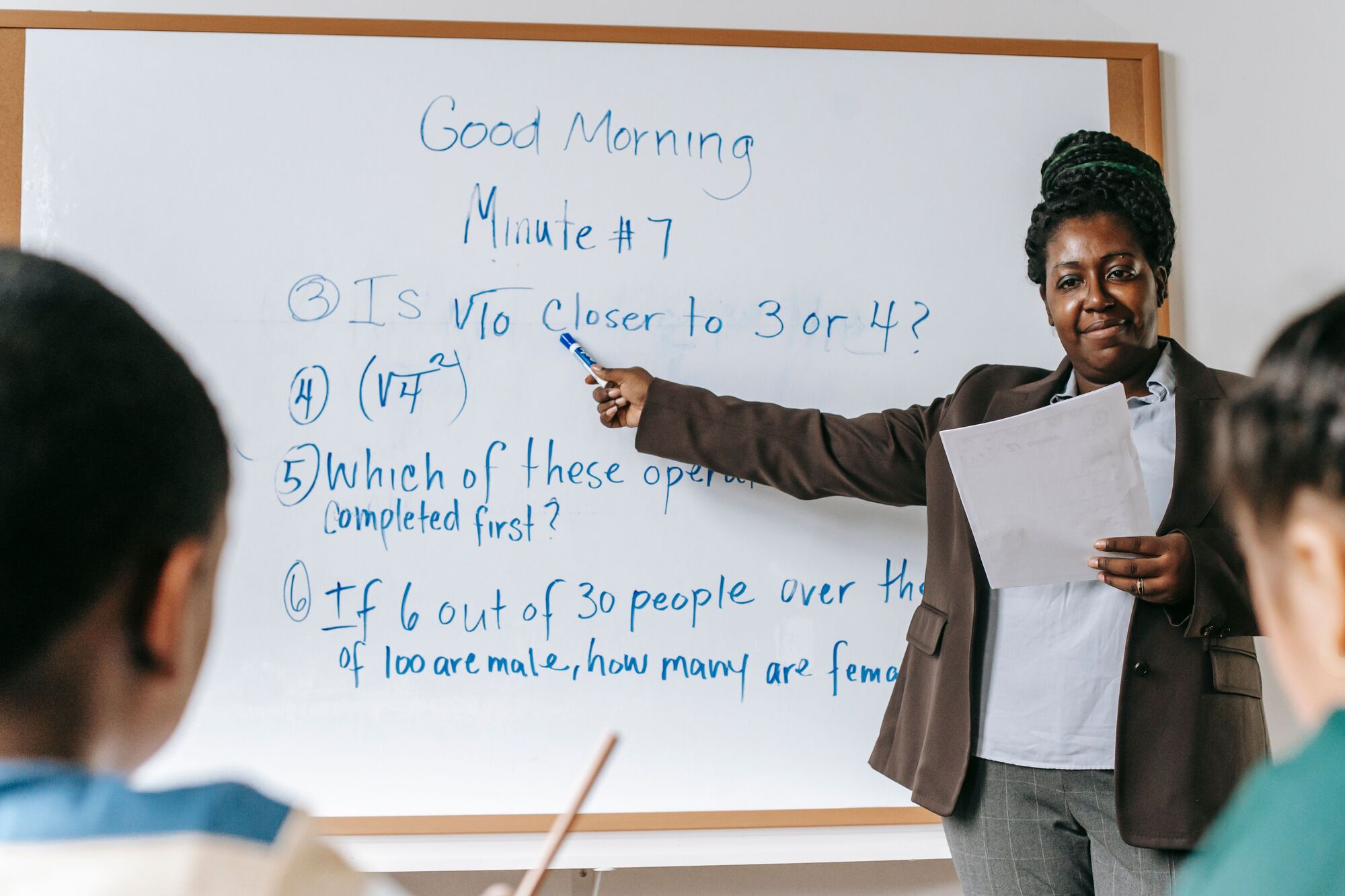
A teacher works through a maths problem on a whiteboard.

Smart classroom technology: what a digital classroom needs

What is smart classroom technology? It is the set of connected tools a teacher uses in the room: an interactive classroom whiteboard to teach from, devices for learners, a network that carries both, and software that ties lessons, work and marks together. A digital classroom extends the same idea beyond the room, so learning continues at home. The digital classroom board price depends on size, the built-in computer, mounting and installation, not only the screen; see interactive whiteboard sizing and prices.

Digital tools for classroom teaching include shared documents, quizzes, recorded lessons and gamification, which turns practice into points and levels; used badly, it rewards speed over understanding. Classroom management software lets a teacher see learner screens, push a link and lock devices during a test. Assignments and class streams come free with the education editions of Google Workspace and Microsoft 365, but live screen monitoring and device locking generally need a paid edition, an add-on or a separate tool, so check before assuming free classroom management software will do the job. Learning management systems replace paper mark books; our learning management systems guide compares the options.
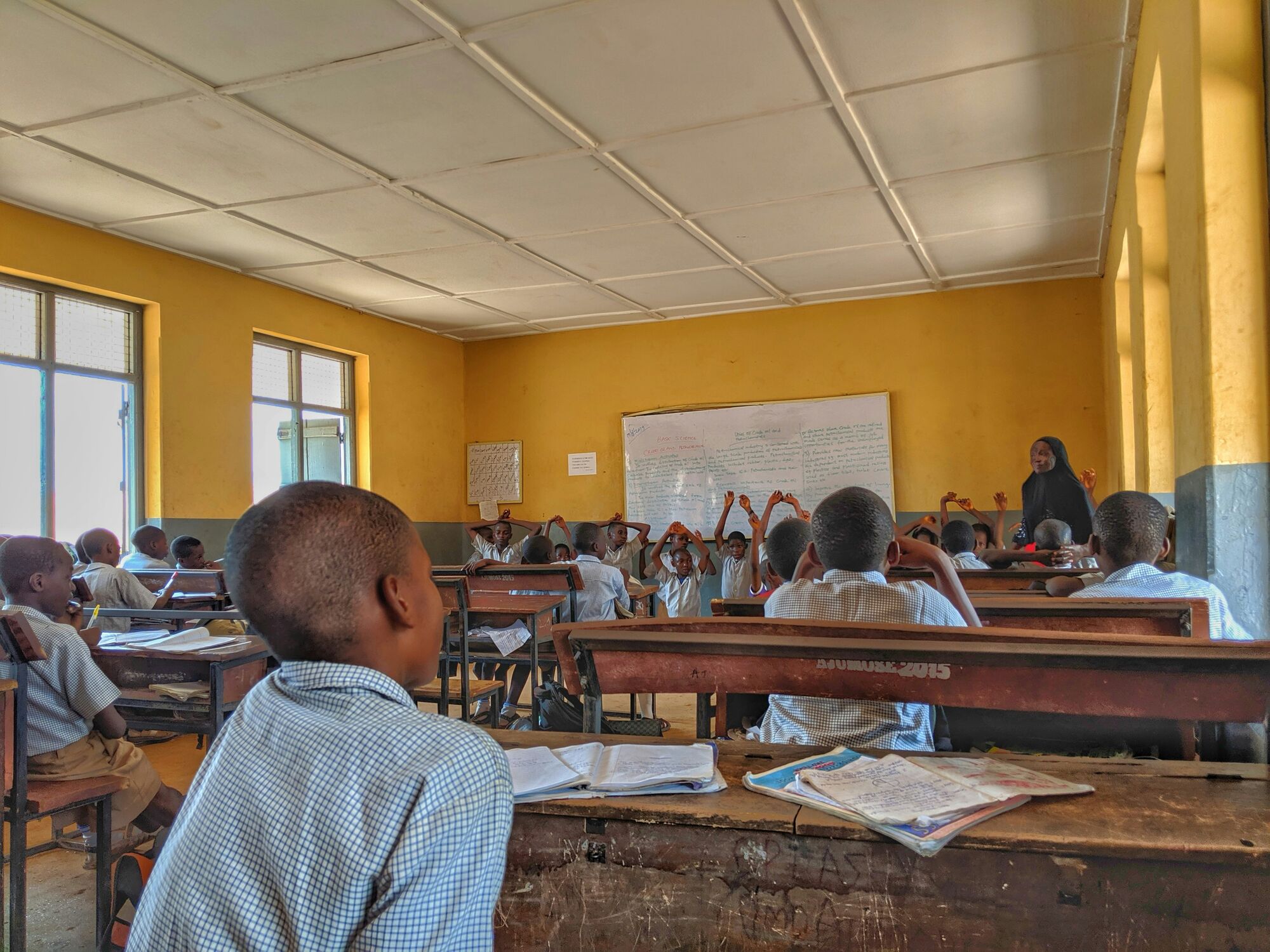

A learner stands in a yellow-walled classroom as a lesson begins.
Learners in school uniform at their desks in a busy classroom.

Green computing in schools: less power, longer device life, less e-waste

What is green computing in schools? It is running school IT with less energy and less waste: power settings that put devices and displays to sleep, equipment sized to the need, repair before replacement, and responsible disposal at the end of a device's life. For a South African school it is as much about the electricity bill and load-shedding as about the environment.

The benefits of green computing in schools:

  • Lower running costs. Sleep and shut-down policies are pushed centrally from the Google Admin console or Microsoft Intune, rather than relying on the last person out.
  • Longer lessons through load-shedding. Low-power devices draw less from the same battery, so battery-backed network cabinets and backup power through Fibre Boyz keep a class working through more of an outage.
  • Longer device life. Repair first, reassign devices between grades, and consider certified refurbished units from Server Hub, which carry a 12-month local warranty.
  • Less hardware on site. Moving file storage to Google Workspace or Microsoft 365 retires a server that runs all night.
  • Responsible disposal. Data wiped and devices recycled at end of life, with a record of what was destroyed for the asset register.
A learner reads from a textbook in a full classroom.

Edtech companies in South Africa: where Arke fits

Edtech companies in South Africa fall broadly into three camps: product companies that build learning apps and content, suppliers of hardware and licences, and service companies that make it all run in a particular school. Arke Technologies is in the third camp: an IT company, not a publisher of learning content, recommending edtech products and edtech solutions that fit the school's platform, network and budget.

The difference is one contract. We design the platform, supply hardware through our trading division Server Hub, connect the school through our connectivity division Fibre Boyz, and support the result under one service-level agreement, with one number to call.

Arke Technologies (Pty) Ltd serves institutions across South Africa, including Cape Town and Pretoria, from its head office in Greenstone Hill, Johannesburg. Remote support covers the country, and on-site work follows the on-site policy written into your SLA. Education sits beside the public sector and nonprofits and NGOs among the industries we serve.

Learners in school uniform at their desks in a busy classroom.

What we do for schools, colleges and universities

How we deliver: from assessment to monthly review

  1. Discovery

    We review accounts, devices, network, backups, licences and who does what today, and give you a written report of findings and recommendations.

  2. Baseline

    We agree the standards: security settings, content filtering, device policies and documentation.

  3. Management

    We run day-to-day operations under an SLA. Monitoring checks each managed computer every 15 minutes and logs faults as tickets automatically; riskier automated repairs need a recorded human approval before they run.

  4. Optimisation

    Each month we review performance, security and support trends with you and agree the next improvements.

The work is remote-first, on our own remote-access platform and Johannesburg servers. One contract with Arke Technologies covers it, and one accountable team works on our SLA clock: every remote session is approved and logged, and everyone with access to your systems is bound by confidentiality and our security controls.

Governance, procurement and continuity

School governing bodies, university councils and TVET college councils answer for technology spend and risk. This is what they receive from us:

  • An SLA set to your needs: scope, exclusions, on-site policy, price per seat and term, with incidents prioritised P1 (critical outage) to P4 (low-impact request) and response and resolution targets matched to the impact of downtime and agreed with you.
  • A monthly service review and report covering tickets, response times, device and security status and licence use, with a named service lead, escalation paths and change control. Where a council wants live figures, we build a reporting dashboard on its own data.
  • Procurement documents: Level 1 B-BBEE contributor, giving 135% procurement recognition (sworn affidavit available on request); company documents, a bank confirmation letter, our CSD supplier number and SARS tax compliance status on request; SBD forms when a bid requires them. See our company facts for procurement teams.
  • How to buy: a proposal, then an SLA for services, a purchase order for hardware, or a response to your tender. Server Hub quotes are itemised in rand with VAT included, each line backed by a dated source.
  • Continuity: you own your data, admin credentials and documentation, kept in a wiki or library you control. Growth from one campus to several stays under one contract and one accountable team; if you leave, we hand over the consoles, credentials and documentation. On request we maintain a multi-year ICT masterplan (for example to 2030) that the governing body approves and reviews each year.

Compliance: POPIA, King IV and responsible AI

Learner records, marks, medical notes and parent or guardian contact details are personal information, and a learner's details are a child's personal information under POPIA. We configure platforms for data minimisation, encryption in transit and at rest, access controls and audit logging, with controls that cover insiders as well as outsiders.

For boards and councils we work to King IV Principle 12, which makes technology and information governance a board responsibility. Where the buyer is a national or provincial department or a public entity, we work to PFMA procurement and reporting disciplines; see supplier compliance for the public sector. We work to controls aligned with ISO/IEC 27001 and the NIST Cybersecurity Framework (alignment, not certification), and keep the audit-ready records your information officer needs for a POPIA or PAIA request.

Edtech AI needs the same discipline. Under our Emergent Intelligence framework for responsible artificial intelligence, AI recommends and people decide, every AI action is logged, and client data never trains a model without explicit consent. See AI governance.

A teacher works through a maths problem on a whiteboard.

What education IT costs, and what drives it

Last reviewed: September 2026.

Cost lineHow it is pricedWhat drives the price
Managed IT and supportPer user (seat) per month, set after an assessmentStaff and device numbers, sites, on-site needs, SLA targets
Project workQuoted per project after scopingScope, device count, after-hours work
HardwareItemised Server Hub quote in rand, VAT includedSpecification, quantity, warranty, installation
LicencesPer user or per device, by planEducation eligibility, plan tier, add-ons
ConnectivityMonthly, per lineSpeed, number of sites, backup links

Published South African managed IT rates run from about R180 to R400 per user per month (matnet.co.za, September 2026), with some providers listing R450 (MiBOT, September 2026); hourly rates for IT project work run from about R550 to R750 ex VAT (matnet.co.za, September 2026). We quote after an assessment. See managed IT pricing.

Edtech market size estimates vary widely by source, so we do not quote one. South African IT services overall are forecast to grow from USD 14.7 billion in 2025 to USD 27.0 billion in 2030 (Mordor Intelligence).

Building an edtech platform? A note for founders and investors

Some readers are building edtech rather than buying it: founders leaving an incubator, edtech startups funded by grants or venture capital (VC), and investors doing technical due diligence. Whether edtech is profitable, and what valuation multiples the sector commands, belong in your investment case; blogs and research papers show what worked in a pilot, not whether a product survives a full school timetable.

What we answer is the engineering, as a SaaS product development team:

  • Children's data. Learner records are a child's personal information under POPIA, so consent, data minimisation and access logging are designed in from the first release.
  • Patchy connectivity. Offline-first apps capture data with no signal and sync when it returns; the same pattern suits learners with little data at home.
  • The school's existing systems. Sign-in through Google Workspace for Education or Microsoft 365, classes from Google Classroom or Microsoft Teams for Education, and learner data from SA-SAMS exports, so no school re-keys what it already holds.
  • Scale. Tenant isolation, logging and cost controls that hold from one school to many.

For edtech startups in Africa, that integration work is the part of the ecosystem a pilot rarely tests, and the part of the landscape that decides whether a second school signs.

A learner stands in a yellow-walled classroom as a lesson begins.

Frequently asked questions

What is edtech, and what does it do for a school? Show answer

Edtech is educational technology: the devices, displays, networks, platforms and software that support teaching, learning and school administration. For a school it gives teachers better tools in the room, extends learning to home and online, and cuts admin by keeping records, marks and communication in one place. Its value depends on reliable Wi-Fi, managed devices and support.

What does IT support for a school include? Show answer

School IT support covers the help desk for staff and learners, device and account management, the network and Wi-Fi, content filtering, backups, licences and security. Under an Arke SLA it also includes automated checks on each managed computer every 15 minutes, a monthly service review and report, and a named service lead who plans upgrades with the principal or IT committee.

Do you provide 24/7 technical support to schools? Show answer

Not as standard. Monitoring of managed devices is automated and continuous, logging faults as tickets whenever they occur, but our people respond within business hours: Monday to Friday 08:00–17:00 and Saturday 09:00–13:00 (SAST). Out-of-hours and weekend cover, for boarding schools or exam periods, is available by agreement and written into your SLA.

How do teachers and staff ask for tech support? Show answer

Staff email support@arketechnologies.com or call 010 447 2445, and every request becomes a ticket with the SLA clock running from that moment. Faults that can be fixed remotely are fixed through our own remote-access platform, with each session approved and logged; site visits follow the on-site policy in your SLA. The monthly report shows the principal how many requests came in, how quickly they were answered and what keeps recurring.

What skills and qualifications should school IT support have? Show answer

School IT support needs practical skill across Windows, Chromebooks, Google Workspace, Microsoft 365, networks and Wi-Fi, plus the patience to explain a fix to a teacher between lessons. We hire technicians for experience, education and certifications, in step with the contracts we sign. The same team designs, installs and certifies structured cabling, so the network sits under the same contract.

How much does IT support cost for a school in South Africa? Show answer

Published South African managed IT rates run from about R180 to R400 per user per month (matnet.co.za, September 2026), with some providers listing R450 (MiBOT, September 2026). A school's cost depends on staff numbers, devices, sites, on-site needs and SLA targets. Arke prices per seat per month after an assessment and quotes project work outside the SLA per project.

Can public schools, colleges and education departments buy from Arke? Show answer

Yes. Arke Technologies is a Level 1 B-BBEE contributor, giving 135% procurement recognition, with company documents, a sworn affidavit and a bank confirmation letter available on request. We complete standard bidding documents when a bid requires them and respond to requests for quotation and tenders. Our Central Supplier Database number and SARS tax compliance status are available on request.

Plan your school's technology with one accountable partner

Start with an assessment of your accounts, devices, network and support. You receive a written report and a plan your governing body can approve before anything is bought. Or talk to us about your school or campus first.