

Accounts, email and collaboration
Google Workspace for Education or Microsoft 365 Education, set up, administered and migrated, with one identity across every system. See Google Workspace and Microsoft 365 for education.


Arke Technologies provides university IT services to public and private universities, TVET colleges and training providers across South Africa, from Johannesburg. We run the help desk under an SLA, manage accounts, devices, campus networks and learning platforms, help set university IT requirements and IT policy, and protect student data under POPIA.
University IT services are the systems and support an institution runs for students, lecturers, researchers and administrators: accounts and email, the learning management system, the student records system, campus networks and Wi-Fi, computer labs, research computing, security, and the help desk that ties them together. Campus IT services at a TVET college or private training provider cover the same ground at a smaller scale, often across several campuses. For schools, see our wider IT for schools and education page.
Three things make higher education harder than a business of the same size. At a university, thousands of accounts arrive and leave every year, so identity has to be created and retired from student records rather than by hand. Demand peaks at registration, the start of each term and exams. And many students bring their own devices, so the network must admit, and contain, equipment the institution does not own.
| Institution | What it usually needs first |
|---|---|
| Universities, public and private | Identity at scale, a help desk that copes with registration, lecture-hall and residence Wi-Fi, research computing and council reporting |
| TVET colleges | Consistent IT across several campuses, computer labs and workshops, and procurement documents for public bids |
| Private colleges and training providers | Google Workspace or Microsoft 365, a learning management system, online classes, and a student management system for enrolment and results |

University IT support starts with a help desk that answers quickly and records everything. Ours follows an ITIL-aligned service desk practice: incidents, requests, problems and changes are logged as tickets, each ticket runs against the response and resolution times in your SLA, and recurring faults become problem records so the cause is fixed, not just the symptom. Monitoring checks each managed computer every 15 minutes and logs faults as tickets automatically; riskier automated repairs need a recorded human approval before they run.
We plan for the peaks with your IT department. Before registration we publish knowledge articles, switch on self-service password reset, pin known issues and separate a forgotten password from a network outage in the ticket categories, so the university IT help desk spends its time on problems only a person can solve. If you already have an in-house team, we work as co-managed IT, taking the IT service desk, the network or security while your own staff keep the rest, with the split written into the SLA.
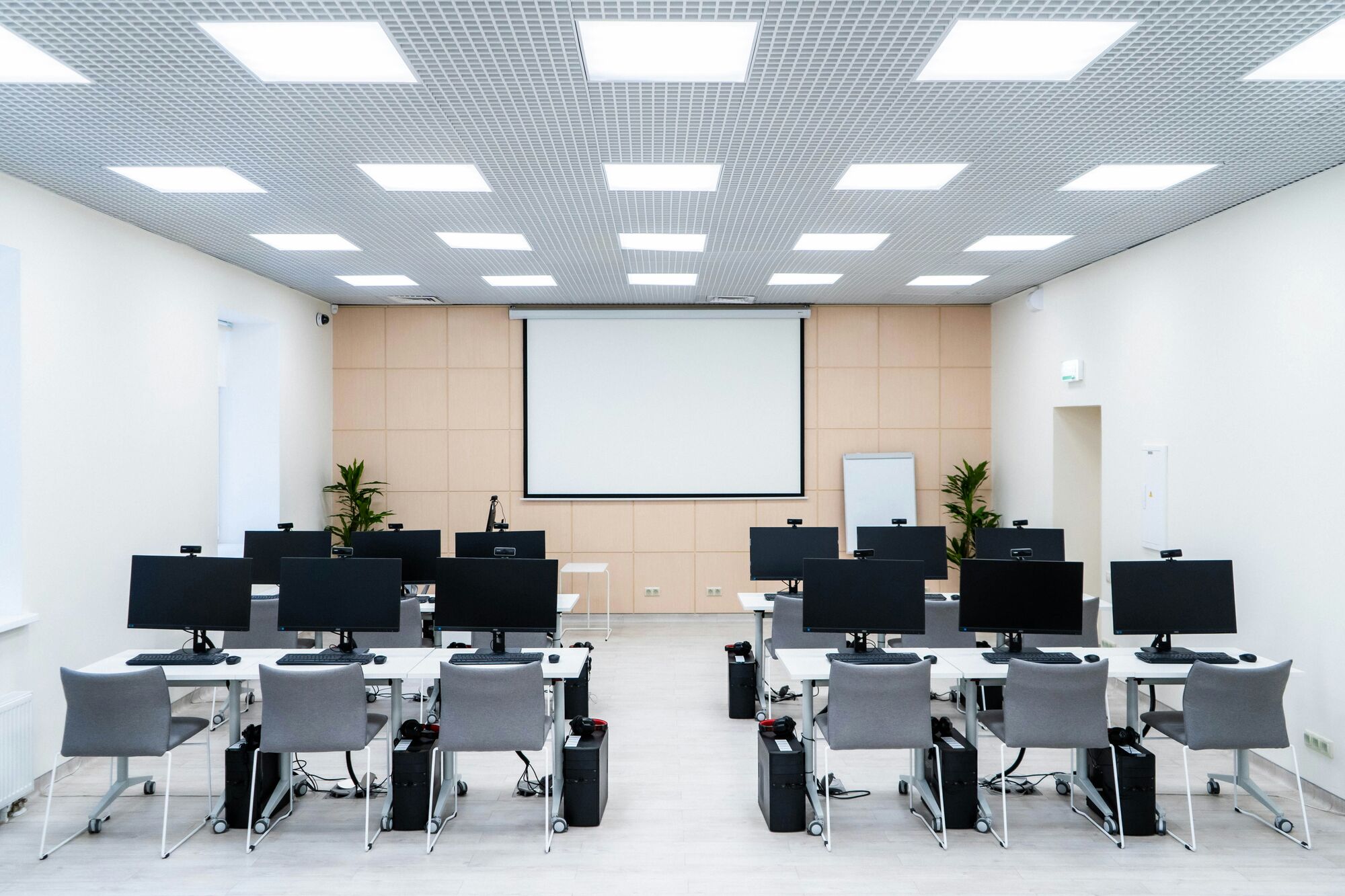

A university's published IT requirements decide what thousands of students buy before their first lecture, and its IT policy decides what they may do once connected. We help institutions write and maintain both, and the plan behind them:

If you are a student or staff member looking for your own institution's IT help, such as the Stellenbosch University IT helpdesk, its IT hub or IT department, Rhodes University IT requirements or the Rhodes University IT shop, or Adelaide University IT support in Australia, go to that institution's own IT division. Arke Technologies is an independent IT company in Johannesburg; we do not run or speak for any university's IT department.
For an IT director, those searches carry a lesson: students look for the help desk, the device requirements and the place to buy a laptop by name. Give each answer its own clear, current page, written so a search engine or AI assistant can quote it, and the right answer reaches them before a support call does.
Google Workspace for Education or Microsoft 365 Education, set up, administered and migrated, with one identity across every system. See Google Workspace and Microsoft 365 for education.
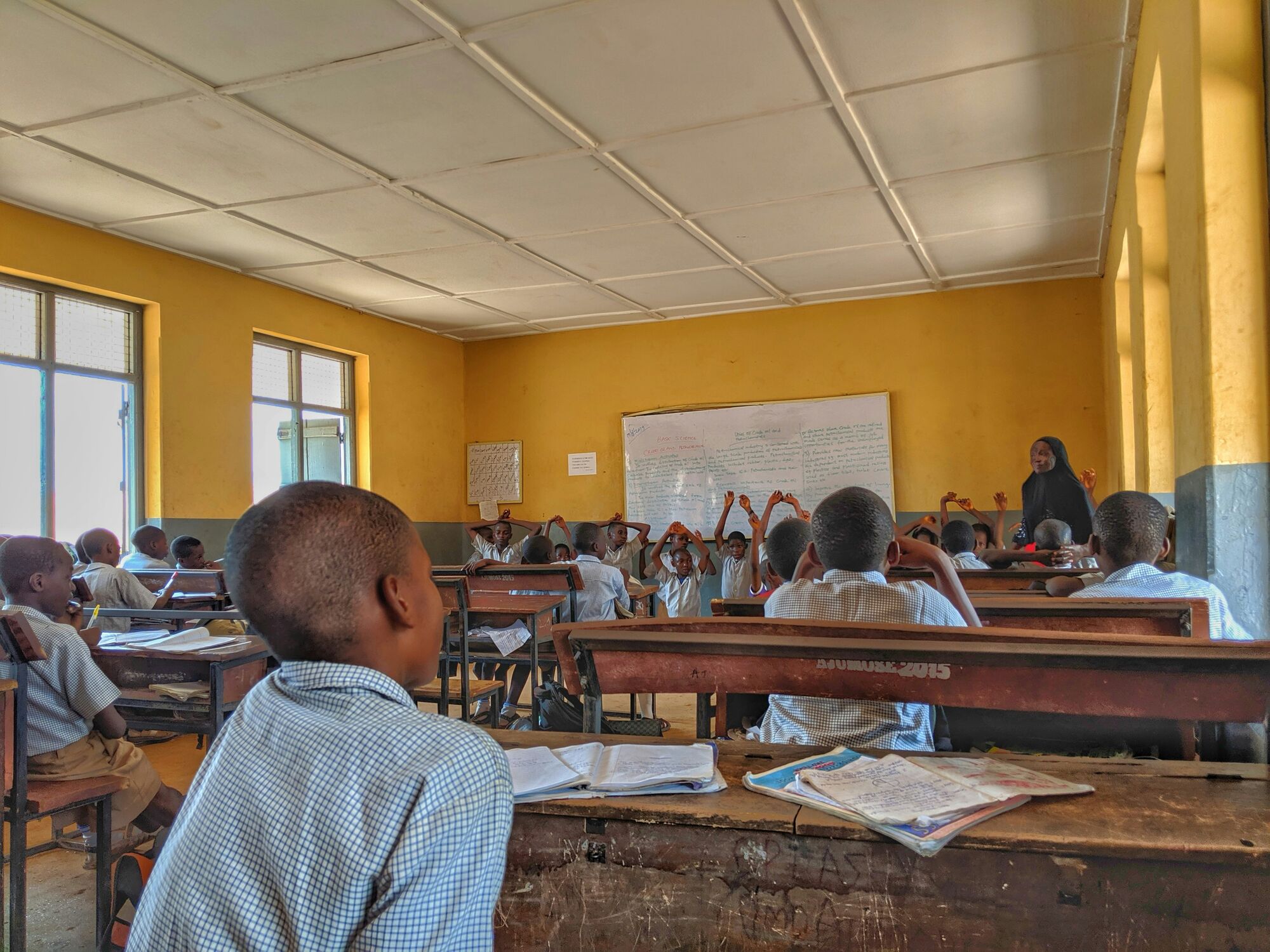
Moodle, Google Classroom or Microsoft Teams for Education, implemented and linked to enrolment so each student lands in the right courses. See our learning management systems guide.
Choosing, implementing and integrating the system that holds admissions, enrolment, results and fees, and migrating data from the old one. See school and campus management software.
LAN and WAN design, Wi-Fi sized for lecture halls and residences, structured cabling we install, certify and document, firewalls and VPNs. See networks and Wi-Fi for education.
Windows and Chromebook management through Intune and Chrome Education management, and interactive displays, with hardware supplied through Server Hub. See learner devices.

GPU servers and AI workstations through Server Hub, virtualised infrastructure on VMware, Hyper-V or Proxmox, colocation in South African data centres, and private AI that keeps sensitive research data in South Africa.

Microsoft 365 hardening, Microsoft Sentinel SIEM, Entra ID governance and penetration testing, plus Power BI dashboards for council and management. See cybersecurity and POPIA for education.