010 447 2445Contact
Arke Technologies home
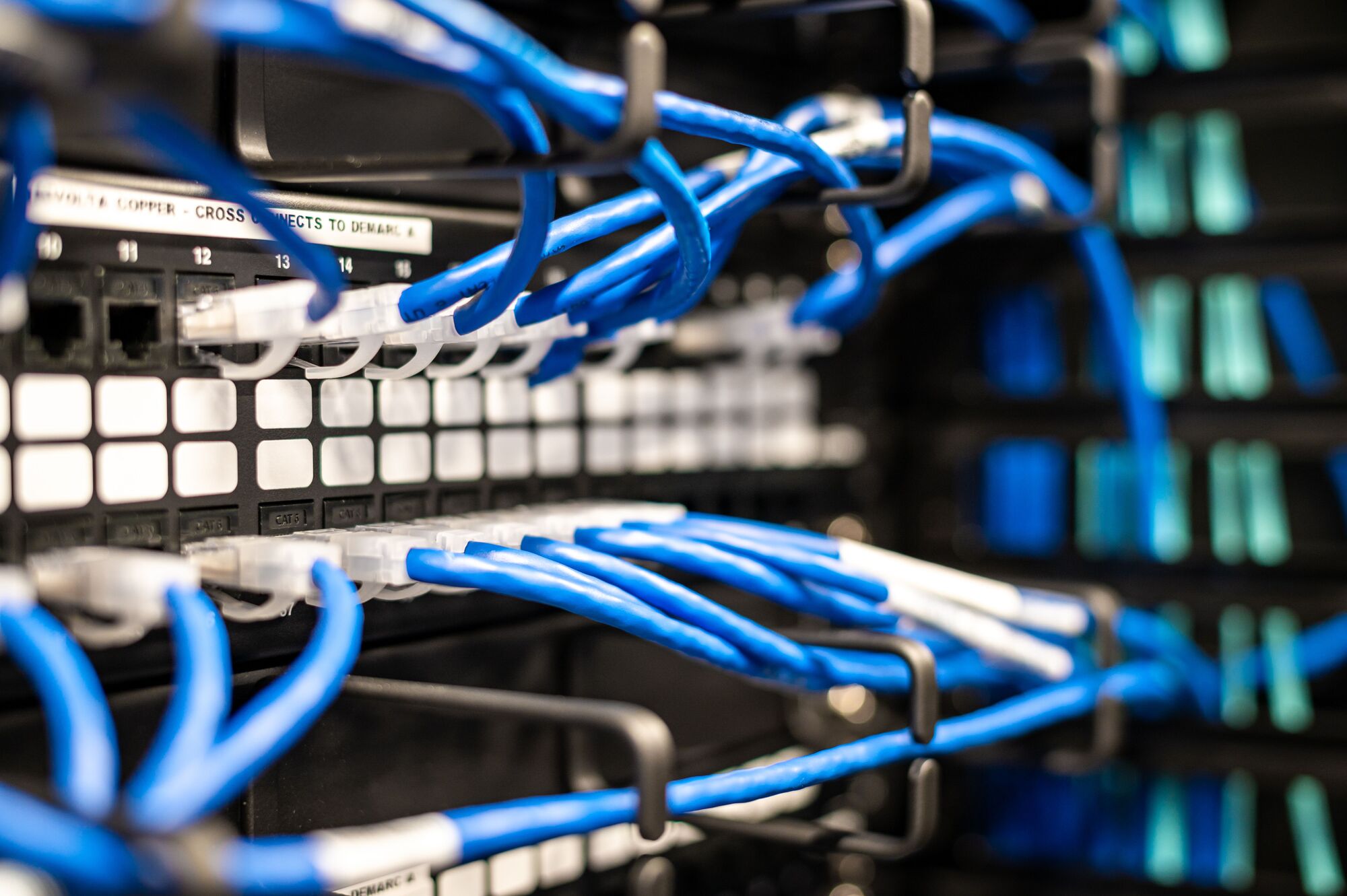
Blue patch leads run neatly into a switch in a comms cabinet.

Network infrastructure from a networking company that stays accountable

Network infrastructure is the cabling, switches, routers, firewalls and wireless access points that carry every system your organisation runs. Arke Technologies is a Johannesburg networking company that designs, installs, secures and monitors that infrastructure for mid-sized and large organisations, public bodies and schools across South Africa, under one contract and one SLA.

What network infrastructure is, and what you are really buying

When organisations compare networking companies, they are buying three things at once: a design that fits how the organisation works, an installation that is tested and documented, and a team that is accountable when something fails. The equipment matters, but it is the easiest part to replace.

Computer network infrastructure is everything between a user's device and the systems that user needs. The network infrastructure devices are switches, routers, firewalls and wireless access points, the server rack and patch panels that hold them, the copper and fibre between them, and the UPS that keeps them running through load-shedding. A wireless local area network (WLAN) sits on top of the wired network, and your internet infrastructure, the fibre or LTE line from your provider, connects the whole estate to the cloud.

IT infrastructure and networking are now one discipline. Servers, storage and cloud applications are only as available as the switch and the link in front of them, and every IT network infrastructure decision is also a security decision. Network infrastructure technologies change every few years; the principles of a documented, segmented, monitored network do not.
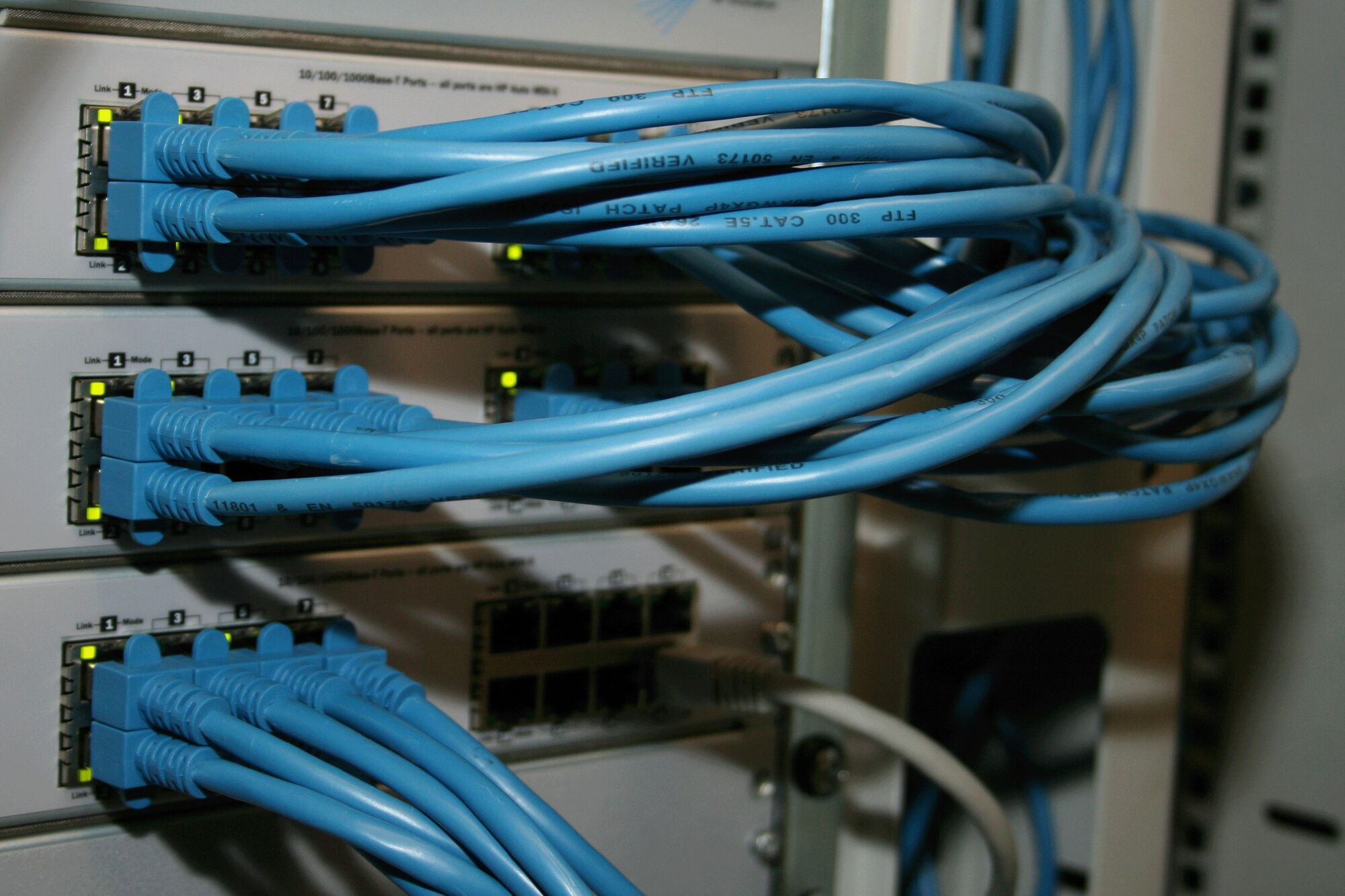
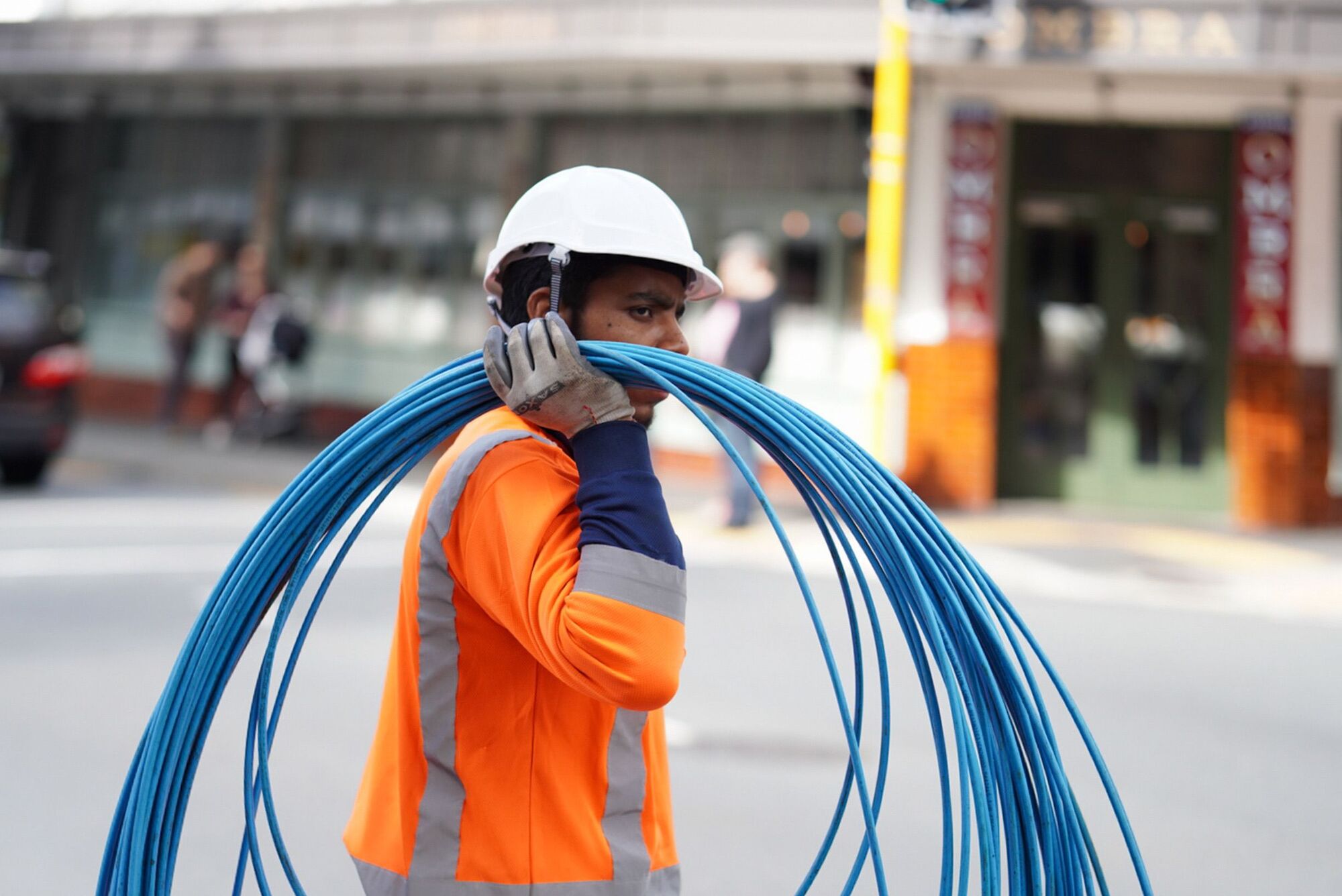
Bundles of blue network cables looped into switches in a rack.

What our network infrastructure services cover

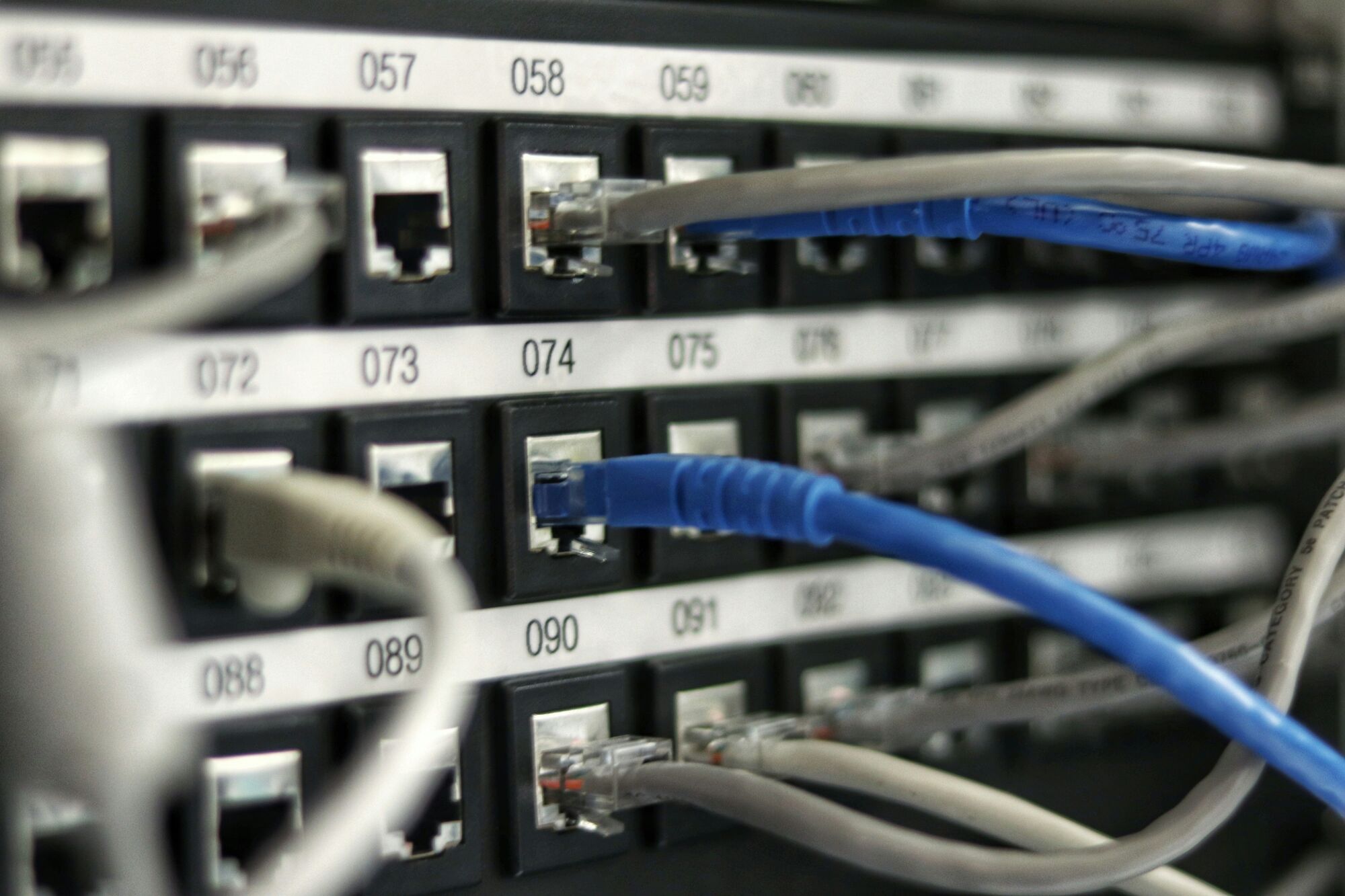
A numbered patch panel with blue and grey network leads plugged in.

Network infrastructure design: planning a scalable network

What is network infrastructure design? It is the documented plan for how traffic moves, how the network grows and how it fails safely. A good network infrastructure plan answers four questions before a cable is pulled: who and what connects, which traffic must be kept apart, what happens when a link or switch fails, and how the design grows over five years. Building network infrastructure without that plan is how organisations end up with a flat network, an undocumented cabinet and a switch nobody dares restart.

This is how we plan network infrastructure:

  1. Audit

    Network audit software discovers every device, port, VLAN and firmware version, and we walk the site to check cabling, power and cabinets against what the software reports.

  2. Requirements

    We agree users, devices, applications, voice and video, cameras, guest access, growth and the compliance rules that apply, with your IT lead and, for larger programmes, your risk committee.

  3. Architecture

    We choose the topology, the core and edge equipment, the VLAN and addressing plan, the redundancy and the security zones, and record the reasons.

  4. Bill of materials and quotation

    Every item, quantity and labour line is itemised, so you can compare bids like for like.

  5. Installation and configuration

    Under change control, with a rollback plan for every cut-over.

  6. Testing, certification and documentation

    Cabling certified, failover tested and an as-built pack handed over.

  7. Handover to monitoring and support

    The network joins our network monitoring with the thresholds agreed in the design.

A scalable network is one where adding a floor, a site or a thousand devices means adding modules to a known design, not starting again.

Network infrastructure architecture options compared

The right network infrastructure architecture depends on size, sites and risk. These are the patterns we design most often:

PatternTypical fitHow it is builtWhat to watch
Collapsed coreOne site, up to a few hundred usersA pair of core switches handles routing and distribution; access switches in each cabinetA single core switch is a single point of failure
Three-tier (core, distribution, access)Multi-floor offices, hospitals, municipal buildingsRedundant core, distribution per floor or building, access at the deskMore equipment to manage; worth it beyond a few hundred ports
Campus with fibre backboneSchools, universities, industrial sitesFibre between buildings, a switch cabinet in each buildingCopper between buildings carries lightning; fibre does not
Multi-site WAN or SD-WANBranches, depots, regional officesEach site on fibre or LTE, linked to head office and cloud by VPN or SD-WANLink quality varies by area, so plan a backup link
Hybrid cloudOrganisations running workloads in Azure, AWS or Google CloudVPN or private links from offices to cloud network services such as virtual firewallsEgress costs and a second path to the cloud
Data centre (leaf and spine)Server rooms and private cloudServers at 25G into leaf switches, 100G uplinks to the spineTransceiver compatibility and PCIe capacity on the servers

For the data-centre end, Server Hub's guide to 25G vs 10G vs 100G server networking  (opens serverhub.co.za) explains the lane maths, and our private cloud and virtualisation and cloud services teams build on it.

Networks for every kind of organisation

How to secure a network infrastructure

What is security in computer network terms? It is the set of controls that stop unauthorised people and devices from reaching, reading or disrupting what travels across the network. Network infrastructure and security cannot be separated, so we build these controls into every design:

  • Segmentation. VLANs and firewall zones keep finance, cameras, guests, voice and building systems apart, so one compromised device cannot reach everything.
  • A managed perimeter. Firewall policy, intrusion prevention and web filtering, reviewed and logged. See firewalls and network security.
  • A protected management plane. The network management infrastructure (a separate management network, named administrator accounts and multi-factor authentication) replaces shared passwords.
  • Patched firmware. Updates scheduled under change control, with end-of-life equipment flagged in your lifecycle plan.
  • Encrypted remote access. VPNs for staff and sites, with access removed the day someone leaves.
  • Email and web gateways. Filtering at the edge, for example an email security gateway such as Cisco ESA; see what an email security gateway does.
  • Central logging. Logs kept in one place and reviewed, so an incident can be traced.

We align these controls with the CIS Controls, the NIST Cybersecurity Framework and ISO/IEC 27001, and our cybersecurity services take them further.

Network installation: what happens on site

What is network installation? It is the physical build: cabling, cabinets, power and network installation equipment such as switches, routers, firewalls and access points, followed by the configuration and testing that make them one network. Computer network installation follows the approved design and change plan, and nothing goes live untested.

Our team installs on site for organisations across South Africa, and takes on work beyond it. Where fibre cannot cross between buildings, we install point-to-point wireless links on directional dish antennas. For a branch network installation, equipment is configured and bench-tested by Server Hub before dispatch, so a small site plugs in and comes online quickly.

Server connections get the same care: network settings on Linux and Windows servers (bonded interfaces, VLAN tagging and addressing) are documented with the switch ports they use, so a network installation on Linux hosts is as traceable as the cabinet. Choosing hardware? Server Hub's guides to network switches for small businesses  (opens serverhub.co.za), managed vs unmanaged switches  (opens serverhub.co.za) and PoE switch sizing  (opens serverhub.co.za) explain the options; we specify and install the result.

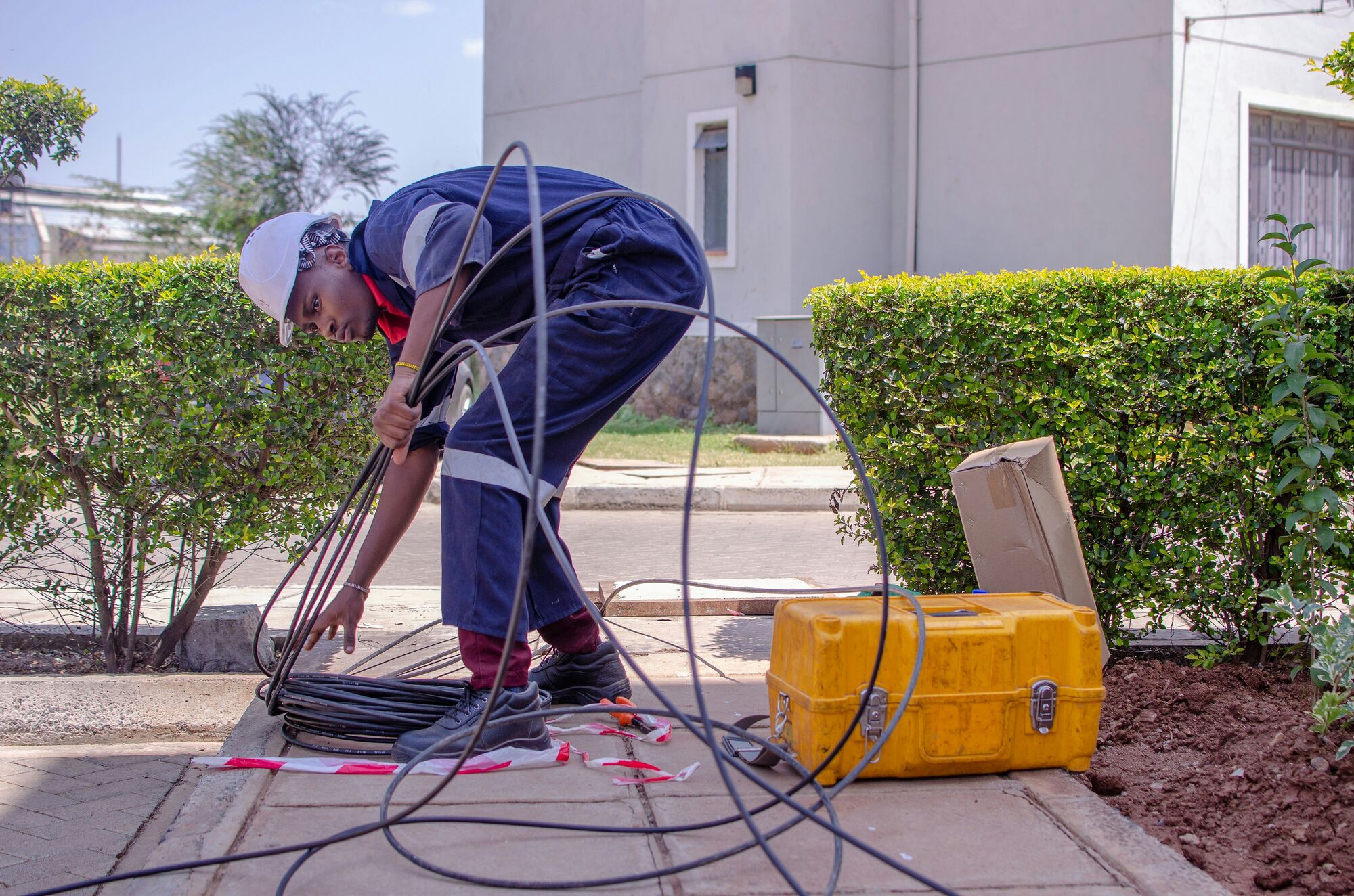
An engineer works on a bundle of blue network cables at a rack with a handheld tool.

Cisco, Fortinet, MikroTik and the rest: vendor-neutral by design

We configure equipment from Cisco, Fortinet, Sophos, MikroTik, Ubiquiti UniFi and TP-Link Omada. That is experience, not a reseller agreement: we recommend what fits your estate, your budget and your team's skills, and we say when a simpler option is enough.

For Cisco network infrastructure, the vocabulary alone can be a barrier. Cisco ACI (Application Centric Infrastructure) applies policy-based networking inside the data centre. Cisco SD-WAN splits the network into a management plane (vManage), a control plane (vSmart controllers) and edge routers (vEdge and cEdge), and describes each transport link as a TLOC (transport locator). Whatever the vendor, the same questions apply: who holds the licences, what happens if a subscription lapses, and who can administer the network if your provider changes.

Analyst rankings such as the Gartner Magic Quadrant for network switches are a sensible long list for large enterprises. They do not replace a design: the right switch depends on the ports you will need in three years, power over Ethernet, VLANs and the distance to the next cabinet. Server Hub's guide to server networking switches, NICs and transceivers  (opens serverhub.co.za) covers the data-centre end.

Blue patch leads run neatly into a switch in a comms cabinet.

Network support and troubleshooting

What is network support? Network support services keep the network available day to day: fault response, changes, firmware updates, moves and the documentation that goes with them. IT network support is included in our managed IT services, or runs on its own as managed IT network services under a network SLA.

Faults reach our IT service desk through monitoring or a call, and are worked on the SLA clock. Network troubleshooting follows a method: confirm the symptom, isolate the layer, check recent changes, fix, and record the root cause so it does not recur. Computer network support is only as fast as the documentation behind it, which is why we keep the as-built pack current after every change.

A numbered patch panel with blue and grey network leads plugged in.

Local area network support issues, explained

Asked to explain local area computer network support issues, most engineers name the same few:

  • IP address conflicts and exhausted DHCP scopes. Devices join the network but cannot reach anything.
  • Switching loops. One patch lead plugged in at both ends can take down a floor; loop protection prevents it.
  • Overloaded PoE budgets. Access points, phones and cameras reboot when the switch runs out of power.
  • DNS failures. Everything looks down when only name resolution is.
  • Faulty or uncertified cabling. Intermittent errors that no amount of restarting fixes.
  • Wi-Fi interference and poor placement. Covered on our business Wi-Fi page.
  • Undocumented changes. The most common cause of all, prevented by change control.

Monitoring is the safety net, not the cure: the cure is a documented network.

Governance, compliance and procurement

  • Service governance. An SLA that fixes scope, response and resolution times, exclusions and on-site policy; a named service lead; escalation paths; change control for every production change; documented runbooks; and a monthly service review and report.
  • Documentation. An as-built pack: topology diagrams, rack elevations, VLAN and IP plans, configuration backups and cable test results.
  • Compliance. Controls aligned with POPIA's security safeguards, King IV Principle 12 on technology and information governance, and ISO/IEC 27001. Public-sector clients get audit-ready records that support PFMA and MFMA reporting.
  • Procurement. Arke Technologies (Pty) Ltd is a Level 1 B-BBEE contributor, giving 135% procurement recognition (sworn affidavit available on request). Company documents, our CSD supplier number, SARS tax compliance status and a bank confirmation letter are available on request, and we complete standard bidding documents (SBD forms) when a bid requires them. See our company facts.
  • Buying route. Assessment, proposal, SLA and purchase order, or a response to your tender.
  • Continuity and exit. You own your configurations, credentials and documentation. If you change provider, we hand over the as-built pack and administrator access in an orderly way.

What network infrastructure costs, and what drives it

We quote network projects per project, and price ongoing network management within an SLA agreed after an assessment of your organisation's needs. What drives the cost:

  • the number of users, devices, ports and sites;
  • the building: floors, distances, ceiling access and whether old cabling must be replaced;
  • redundancy, such as a second core switch, paired firewalls or a backup link;
  • licences and support contracts on firewalls, switches and cloud-managed access points;
  • power protection for cabinets and PoE equipment through load-shedding;
  • after-hours work to avoid disrupting operations.

For context, published rates for IT project work in South Africa run from about R550 to R750 an hour ex VAT, and published managed IT rates from about R180 to R400 per user per month (matnet.co.za, September 2026). Current hardware prices, in rand with VAT included, are on Server Hub  (opens serverhub.co.za).

What a network installation quotation should contain. Use this as a sample checklist when comparing bids: an itemised bill of materials; labour by phase; cable runs with the test standard; configuration and documentation deliverables; exclusions; equipment warranty; and the support terms after go-live.

Last reviewed: September 2026.

Bundles of blue network cables looped into switches in a rack.

How to choose among IT networking companies

Many IT network solutions look alike on paper. The top IT networking companies differ less in the brands they sell than in how they work, so ask each one:

  • Who designs the network, and will we receive the design in writing before we buy?
  • Which vendor certifications do the engineers on our account hold? For a Cisco SD-WAN estate, for example, Cisco's 300-415 exam is the relevant one. Ask to see the certificates.
  • Do we receive the as-built documentation, configuration backups and administrator credentials?
  • What does the SLA say about response, resolution, on-site visits and after-hours work?
  • How are changes approved, and how are they rolled back?
  • What is your B-BBEE level, and can you supply procurement documents?

We answer each of these in writing in our proposal. We hire engineers for experience, education and certifications, in step with the contracts we sign. For a wider view, read how to choose an IT company in South Africa.

Frequently asked questions

What does a networking company do? Show answer

A networking company designs, installs, secures and supports the network infrastructure an organisation runs on: cabling, switches, routers, firewalls, Wi-Fi and the links between sites. The better networking companies also document what they build and monitor it afterwards. Arke Technologies does all of this under one contract, from Johannesburg, for organisations across South Africa.

What is network infrastructure? Show answer

Network infrastructure is the hardware and software that connect an organisation's users, devices, servers and cloud services: switches, routers, firewalls, wireless access points, cabling, racks and power, plus the configuration, monitoring and security that manage them. It is the layer every other system depends on, so its design determines speed, security and how easily the organisation can grow.

What are network infrastructure devices? Show answer

Network infrastructure devices are the equipment that moves and protects traffic. Switches connect devices within a site, routers connect networks and sites, firewalls control what may pass, wireless access points provide Wi-Fi, and servers provide services such as DNS and DHCP. Racks, patch panels, cabling and UPS units hold and power them.

How much does network installation cost in South Africa? Show answer

Network installation is quoted per project, because the cost depends on the number of users, ports and sites, the building, the cabling, redundancy and licences. For context, published rates for IT project work in South Africa run from about R550 to R750 an hour ex VAT (matnet.co.za, September 2026). Hardware is priced separately, in rand with VAT included, through Server Hub.

How do you secure a network infrastructure? Show answer

You secure a network infrastructure by segmenting it, controlling the perimeter and protecting its administration. In practice that means VLANs and firewall zones, a managed firewall with intrusion prevention, administration only from a management network with multi-factor authentication, patched firmware, VPNs for remote access and central logging. We align these controls with the CIS Controls, NIST and ISO/IEC 27001.

What is the difference between network support and network monitoring? Show answer

Network monitoring watches devices and links continuously and raises an alert when something breaks or degrades; network support is the people and process that respond, fix the fault and prevent it recurring. You need both: monitoring without support produces unread alerts, and support without monitoring waits for users to complain. We combine them under one SLA with a monthly report.

Do you work with public-sector and school procurement processes? Show answer

Yes. Arke Technologies (Pty) Ltd is a Level 1 B-BBEE contributor with 135% procurement recognition, and our company documents, CSD supplier number, SARS tax compliance status and B-BBEE affidavit are available on request. We respond to tenders, complete standard bidding documents when required, and keep records to the standard PFMA and MFMA auditors expect.

Plan your network with one accountable team

Start with an assessment: we audit what you have, agree what you need, and give you a written design and quotation before anything is bought.