

010 447 2445Contact
Arke Technologies home
A learner reads from a textbook in a full classroom.

SA-SAMS download, patches and modules: a guide for school administrators

SA-SAMS, the South African School Administration and Management System, is the Department of Basic Education's free administration software for public schools. This guide covers the SA-SAMS download from Thutong, the latest patch, the modules, marks capturing and LURITS submissions, and how Arke Technologies helps schools run it securely.

Insights

SA-SAMS download, patches and modules: a guide for school administrators

Last reviewed: September 2026, 12 min read

SA-SAMS, the South African School Administration and Management System, is the Department of Basic Education's free administration software for public schools. This guide covers the SA-SAMS download from Thutong, the latest patch, the modules, marks capturing and LURITS submissions, and how Arke Technologies helps schools run it securely.

SA-SAMS in brief

  • What it is. A Windows desktop application from the Department of Basic Education (DBE) for a school's administration, curriculum, assessment, finance and governance records.
  • Where to get it. Thutong, the DBE's education portal, or your provincial education department's EMIS portal and district officials.
  • Why it matters. Learner data from SA-SAMS feeds the national learner record, and education departments use it to plan workbooks, question papers, staff establishments and school budgets.
  • Who supports it. The DBE helpdesk and provincial EMIS officials support the software. The school is responsible for its computers, backups, passwords and data quality.
  • What is changing. The DBE is modernising SA-SAMS into a web-based system; follow your province's instructions on when your school moves.

What does SA-SAMS stand for? Meaning and purpose

SA-SAMS stands for the South African School Administration and Management System. The DBE built it because schools were running different applications for different functions and needed one cost-effective, integrated system (Western Cape Education Department, September 2026). It is free to public schools.

In everyday terms, the SA-SAMS meaning is simple: it is where the school office keeps learner, parent, staff, curriculum, assessment, finance and governance records, and the source of the data the school submits to its province. Independent schools may use other administration software, provided their learner-data submissions meet national requirements and their province accepts them (Independent Schools Association of Southern Africa, September 2026).
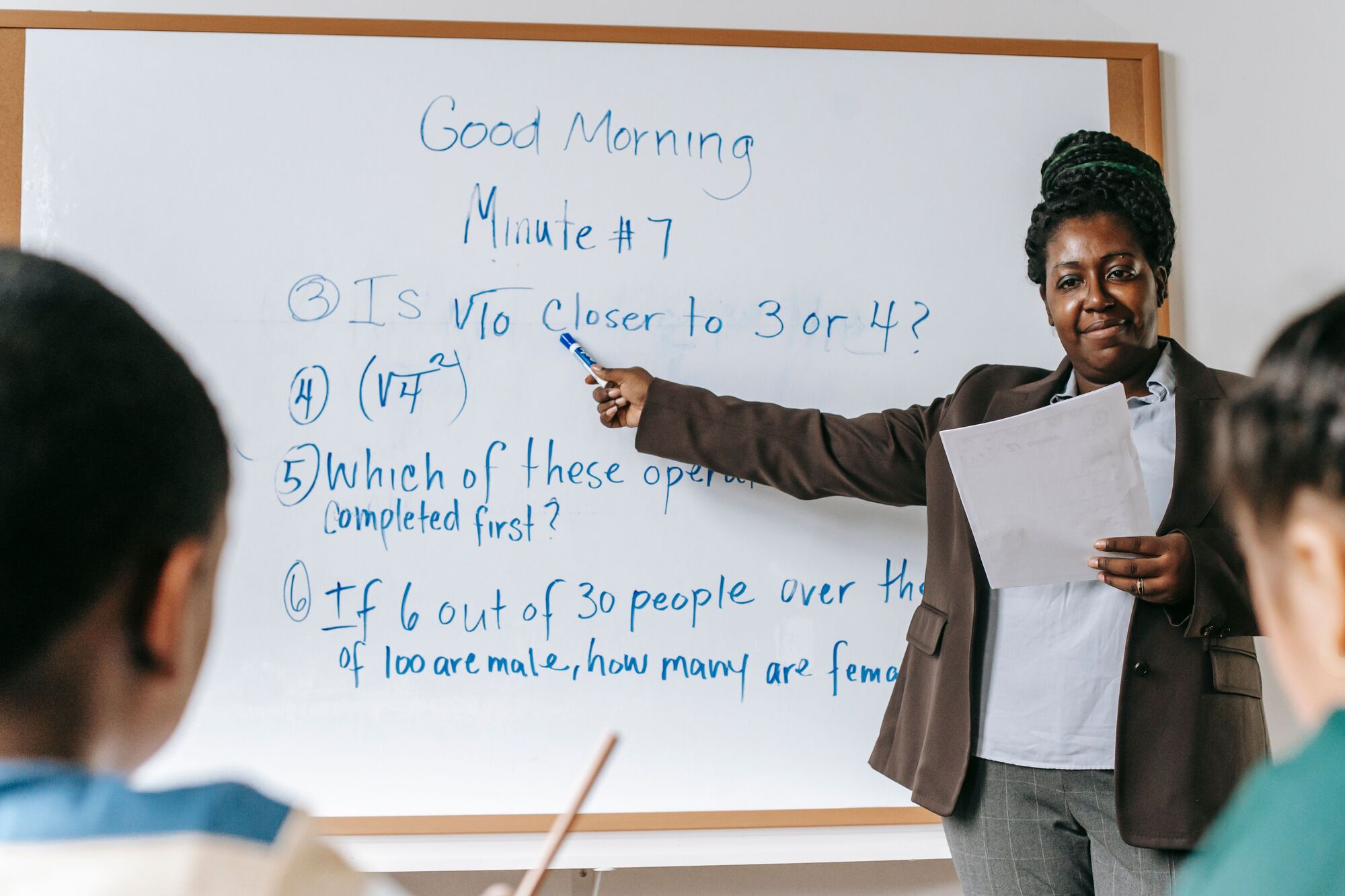
A teacher works through a maths problem on a whiteboard.

SA-SAMS in education: where the data goes

SA-SAMS in education is the first link in a chain. A school's data flows through its provincial education department into LURITS, the Learner Unit Record Information and Tracking System, which keeps a record for each learner from Grade R to Grade 12, and into the education management information systems that plan resources. The Free State, for example, uses learner data to decide the number of workbooks and question papers delivered to each school, its staff establishment and its budget (Free State Department of Education, Circular MG 16/2023).

Accurate data is therefore teachers, textbooks and money, not paperwork. The same circular makes the principal responsible for checking that the SA-SAMS registers match the learners actually present on the day of each submission.

The Western Cape works differently. It registers and tracks learners on its own web-based system, CEMIS, and Western Cape schools that choose to use SA-SAMS, an offline tool, must maintain both (Western Cape Education Department, September 2026).

SA-SAMS download: how to get it safely

  1. Use official sources only

    Download SA-SAMS from Thutong, the DBE's education portal (thutong.doe.gov.za): open Education Administration, then SA-SAMS. Some provinces also publish it on their EMIS portals, and district EMIS officials can help a school that has no connection.

  2. Choose the right file

    A new computer, or one running a version older than 19.3.0, needs the full installation; a computer already on 19.3.0 or later needs only the latest update (Thutong, September 2026).

  3. Back up first

    Copy the current database to an encrypted external drive before installing anything.

  4. Follow your province's installation guide, which sets out the Windows settings SA-SAMS expects, such as the date format.

  5. Install with administrator rights

    For a network installation, point the installer at the agreed shared folder, which only the administration office can open.

  6. Check the result

    Open SA-SAMS, confirm the version number and spot-check learner records before staff start capturing.

Avoid copies passed around on file-sharing sites or in messaging groups. They may be out of date or altered, and the computer they land on holds children's personal information.

The latest SA-SAMS patch, and how patching works

The DBE releases patches periodically to improve the SA-SAMS modules and database, and publishes each Thutong SA-SAMS patch with release notes headed "What is new". At the time of writing, the latest version on Thutong is SA-SAMS 26.2.0, offered as a full installation and as an update for computers already running 19.3.0 or later (Thutong, September 2026). Provincial pages can lag behind Thutong, so always compare the version there with the one in your installation; the Free State's circular, for example, tells schools always to run the latest patch (Free State Department of Education, Circular MG 16/2023).

A sound SA-SAMS patch routine is short: back up, patch the computer that holds the database, patch every workstation that opens it, and test a report before capturing resumes. Avoid patching in the week of a submission deadline unless your district asks you to.

SA-SAMS modules

SA-SAMS modules divide the system by function, so each user works in the part they need. The main modules, numbered as in provincial training material (Western Cape Education Department, September 2026):

ModuleWhat it holdsTypical user
1 General school informationSchool details, school cycle, classes, subjects and feeder schoolsAdministration officer
2 Human resourcesEducator and staff records, including IQMSPrincipal and administration officer
3 Learner and parent informationAdmissions, learner records, parents and guardiansAdministration officer
5 GovernanceSchool governing body informationPrincipal and SGB secretary
6 Standard letters and formsLetters and forms produced from the school's dataAdministration office
7 Export dataData exports for the department and other systemsAdministration officer
11 Financial assistantSchool financesBursar or finance officer
12 Curriculum-related dataSubjects, classes, assessment tasks, marks and reportsEducators and heads of department
14 Physical resourcesBuildings, rooms and other physical resourcesAdministration office
15 LibraryLibrary recordsLibrarian
16 Security and database functionsUser access and database tasks such as backupsPrincipal or system administrator
17 LURITS approvalApproving the school's data for submissionPrincipal

SA-SAMS marks capturing and reports

SA-SAMS marks capturing only works when the curriculum set-up is right first:

  1. Set up the curriculum

    Create classes and subjects, and allocate learners and educators to them.

  2. Validate subjects

    Provincial validation tools block a submission that includes learners with no subjects, learners with no mathematics subject, or learners with both Mathematics and Mathematical Literacy or Technical Mathematics (Free State Department of Education, Circular MG 16/2023).

  3. Define assessment tasks for each grade and subject, in line with CAPS.

  4. Capture marks

    Educators or heads of department capture marks on mark sheets, and SA-SAMS converts them into percentages and achievement levels for schedules and report cards.

  5. Check and submit

    Complete learner, educator and staff attendance, run the validation tools, then submit term marks by your province's dates.

Where marks are captured in another system and imported, test the import on a copy of the database first.

LURITS submissions and data quality

SA-SAMS prepares the school's LURITS submission. School, learner, educator, staff and governance information is approved, the database is deployed, and the principal signs a LURITS deployment report; the province then submits LURITS data to the DBE quarterly (Free State Department of Education, Circular MG 16/2023). Feedback files from the provincial EMIS portal allocate permanent LURITS numbers to learners, so run them as they arrive.

Provinces set their own calendars. The Free State asked schools for weekly online submissions in 2024, with term marks due on fixed dates, and accepted a deployed database on a memory stick from schools without internet access (same circular). Check your own province's circular each year.

SA-SAMS training and the SA-SAMS manual

  • Official SA-SAMS training comes from your provincial education department's EMIS officials and district trainers, for principals, administration officers and the educators who capture marks.
  • The SA-SAMS manual is published module by module. The Western Cape Education Department's support page, for example, offers training modules as PDF documents, from an introduction to LURITS approval, with a page of FAQs and tips (September 2026).
  • Release notes for each patch explain what changed; read them before you train staff on a new version.
  • Technical help with the software comes from the DBE helpdesk officials your province lists.
  • Our workflow training covers the school's own procedures around SA-SAMS: backups, user accounts, exports and data checks. It complements departmental training and never replaces it.

The SA-SAMS system: computers, networks and backups

The SA-SAMS system runs on Windows, with its database on the administration computer or a shared network folder. Most failures happen around the software, not in it:

  • A dependable administration computer. Supported Windows, current updates, endpoint protection, full-disk encryption, and a UPS so that load-shedding cannot interrupt the database mid-save.
  • A locked-down network folder for multi-user set-ups, open only to the administration office; see school networks and Wi-Fi.
  • Individual user accounts and strong passwords, never one shared office login.
  • Regular backups, encrypted and stored away from the computer (the Free State's circular asks for this), with a restore tested each term.
  • Encrypted memory sticks. A stick carrying a submission holds children's personal information; encrypt it and wipe it afterwards.
  • POPIA. Learner records, marks, medical notes and parents' contact details are personal information, and for learners under 18 they are a child's personal information, which POPIA protects with additional conditions. See cybersecurity and POPIA for schools and our POPIA compliance checklist.

Is there an SA-SAMS app? Modernisation and the move online

SA-SAMS is a desktop application for Windows computers, not a phone app. The DBE, working with the National Education Collaboration Trust (NECT), is modernising it into a web-enabled, cloud-based system built on OpenEMIS, UNESCO's open-source education management platform, with modules for managing learners, schools, staff, and curriculum and assessment tested in schools from 2024 (Department of Basic Education, 2024). Follow your province's instructions on when your school moves.

Apps that offer to capture registers or marks for SA-SAMS are third-party products. Before learner data goes into one, confirm with your district that its exports are accepted, and check its operator agreement under POPIA. For the wider picture of school software, see school management software and our learning management systems guide.

How Arke Technologies supports schools that run SA-SAMS

We are not the Department and do not replace its helpdesk. We look after everything around SA-SAMS: the administration computers and network, patching on a schedule that respects submission dates, encrypted backups with tested restores, user access, and the data exports and integration between SA-SAMS and your school management system, learning management system and Google or Microsoft accounts. It forms part of our IT for schools and education.

Support runs under an SLA: incidents are prioritised from P1 (critical outage) to P4 (low-impact request), with response and resolution targets agreed with the school, and a monthly service review and report that the principal and governing body can read. Arke Technologies (Pty) Ltd is a Level 1 B-BBEE contributor (135% procurement recognition; sworn affidavit available on request); company documents, our CSD supplier number and SARS tax compliance status are available on request, and we complete SBD forms when a bid requires them. The school's data, credentials and documentation stay the school's. To compare providers, read how to choose an IT company and what managed IT services are.

Get our guides by email

Plain, sourced guides for the people who decide on and buy technology, sent to your inbox.

Topics (optional)

Leave these clear to receive everything.

By signing up, you agree that Arke Technologies (Pty) Ltd may email you guides and updates. Every email includes an unsubscribe link. Read our privacy notice.

Frequently asked questions

What does SA-SAMS stand for? Show answer

SA-SAMS stands for the South African School Administration and Management System. It is the Department of Basic Education's free software for public schools, used to keep learner, staff, curriculum, assessment, finance and governance records, and to prepare the learner data that provinces submit to LURITS, the national learner record. It runs as a desktop application on Windows computers.

Where can I download SA-SAMS? Show answer

Download SA-SAMS from Thutong, the Department of Basic Education's education portal: open Education Administration, then SA-SAMS, and choose the full installation or, for a computer already on version 19.3.0 or later, the latest update. Some provincial EMIS portals publish it too, and district officials help schools without internet access. Avoid copies from file-sharing sites or messaging groups, which may be outdated or altered.

What is the latest SA-SAMS patch? Show answer

At the time of writing, the latest SA-SAMS version on Thutong is 26.2.0, available as a full installation and as an update for computers already running 19.3.0 or later (Thutong, September 2026). Some provincial pages still list older patches, so check Thutong itself, read the "What is new" release notes, and back up the database before installing.

Must every school use SA-SAMS? Show answer

Not in every case. Some provinces require submissions through SA-SAMS itself; the Free State, for example, required every school to submit through LURITS deployment on SA-SAMS in 2024. Independent schools may use other LURITS-compliant software where their province accepts it, and Western Cape schools register learners on CEMIS. Confirm your province's rules with your district office.

Is there an SA-SAMS app? Show answer

SA-SAMS itself is a desktop application for Windows computers, not a phone app. The Department of Basic Education is modernising it into a web-enabled system that runs in a browser. Apps that offer to capture marks or registers for SA-SAMS are third-party products, so check with your district that their exports are accepted, and check their POPIA terms.

Where can I get SA-SAMS training? Show answer

SA-SAMS training comes from your provincial education department's EMIS officials and district trainers, who train principals, administration officers and educators. Manuals and training documents are published module by module; the Western Cape Education Department's support page offers them as PDFs. We add workflow training on your school's own backups, user accounts, exports and data checks.

How do I back up SA-SAMS? Show answer

Back up SA-SAMS through its security and database functions, then copy the backup to an encrypted drive kept away from the computer, as the Free State Department of Education asks of its schools. Back up before every patch and every submission, keep several generations, and test a restore each term. A backup that has never been restored is a hope, not a backup.

Can SA-SAMS work with other school software? Show answer

Yes, through exports and imports. School management systems can import learner, subject and assessment data from SA-SAMS, and marks captured elsewhere can be imported when the formats match. We set up and test those data exports and integration with your school administration system, so learners are captured once and records do not drift apart.

Keep SA-SAMS data safe and submissions on time

Tell us how your school runs SA-SAMS today. We will review the computers, backups, access and integrations around it, and put them under one SLA. Browse more insights and guides.