
010 447 2445Contact
Arke Technologies home
A support agent in a headset points to a detail on her screen during a call.

Remote IT support for small business and large organisations

Remote IT support fixes computer, account and software problems over a secure connection, without a technician on site. Arke Technologies provides remote IT support for small business teams, schools and large organisations across South Africa from Johannesburg, on our own remote-access platform, with every session approved and logged.

What is remote IT support?

Remote IT support is IT help delivered over the network. A technician connects to a user's computer with permission, sees the screen, and fixes the problem while the user watches: a broken email profile, a printer driver, a stuck update, a licence that did not activate. Remote IT assistance also covers work the user never sees, such as patching, backups and monitoring, done through software agents on each device.

Many support tickets can be resolved this way. Good practice is to fix remotely first, because it is faster for the user and cheaper for the organisation, and to send someone only when the fault is physical: a failed disk, a damaged screen, cabling, or a new device to install. That split is what makes remote IT services the backbone of a managed IT service.
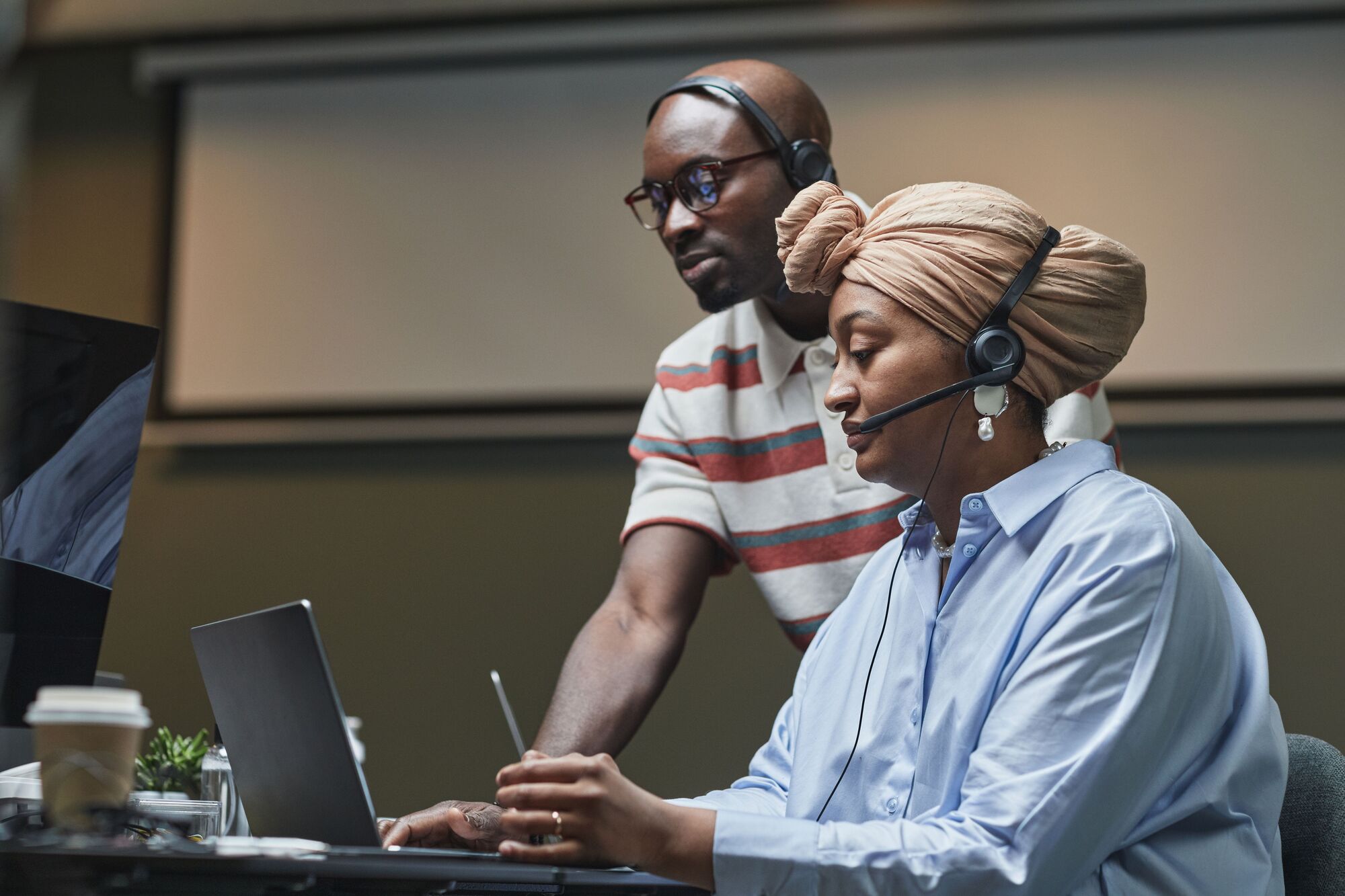
A service-desk analyst in a headset works through a ticket on a laptop while a colleague looks on.

How our remote IT support works

  1. A ticket is opened

    The user emails support@arketechnologies.com or calls 010 447 2445, or our monitoring logs the fault itself. Monitoring checks each computer every 15 minutes and raises faults as tickets automatically.

  2. The session is approved

    The technician requests a session, and nothing connects until it is approved on our platform.

  3. The fault is fixed

    Routine repairs come from our library of standard fixes. Riskier automated repairs need a recorded human approval before they run.

  4. The session is logged

    Who connected, to which device, when and why is recorded against the ticket.

  5. The ticket closes

    The user confirms the fix, and the work appears in your monthly service review.

The desk behind these steps is our IT service desk, which handles escalation to second and third line.

Three support agents in headsets work at their desks in a quiet office.

Remote IT support software and tools

Remote IT support tools decide who can reach your computers, so the choice is a security decision before it is a convenience one. Many remote tools route sessions through the vendor's servers, outside the support provider's control. We run our own remote-access platform, built on open-source RustDesk, with a management system we own (device groups, approvals and session logs) on our own servers in Johannesburg.

That has three consequences for you. Sessions are brokered by servers we run, in South Africa. The approval and logging rules are ours to enforce, not a vendor's default. And the platform is part of the same tooling as our monitoring and ticketing, which we are building into Hesper remote access, launching in November 2026. Our guide to RustDesk for business explains the technology.

Ad hoc screen-sharing appManaged remote IT support solutions (our model)
Who approves a sessionWhoever holds the access code or passwordAn approval recorded on our platform, every session
Session recordsOften noneLogged against the ticket
Where sessions are brokeredThe vendor's serversOur servers in Johannesburg
Monitoring and patchingNot includedIncluded: monitoring every 15 minutes, patching to a schedule
AccountabilityNo service commitmentAn SLA with response times and a monthly report
A team lead leans in to go through a printed report with an analyst at her desk in an open-plan office.

What we fix remotely, and when we come on site

Remote online IT support services cover most daily work:

  • Microsoft 365, Exchange Online, Teams and Google Workspace problems, accounts and access.
  • Windows, macOS and Linux faults, updates and software installs.
  • Printers, drivers, VPN and Wi-Fi settings on the device.
  • Server and firewall administration that does not need hands on hardware.
  • Security alerts, patching and backup checks.

Physical faults, new installations and network cabling need someone on site, and your SLA sets the on-site policy for each location. Replacement hardware comes through Server Hub, our trading division, configured before dispatch. For the devices themselves, see end-user computing and device and IT asset management.

Remote IT support for small businesses, schools and branch offices

  • Branch offices and regional sites

    One desk and the same standards across every site, with on-site visits only where the SLA says so.

  • Schools and colleges

    Staff and administration machines supported remotely during the school day, with learner and parent data kept under POPIA controls.

  • Hybrid and remote staff

    Support that reaches a laptop at home as easily as one at head office.

We support organisations, not home users. For home fibre and Wi-Fi, Fibre Boyz, our connectivity division, connects and supports homes as well as businesses.

Security, POPIA and governance on every session

  • Approval. No session starts until it is approved, and the approval is recorded.
  • Logging. Every session is logged, so your IT manager or auditor can see who accessed which device, when and why.
  • Confidentiality. Everyone with access to your systems is bound by confidentiality and our security controls; under POPIA, a provider that can see personal information on screen must protect it.
  • Change control. Changes to servers or firewalls follow approval and documented runbooks.
  • Reporting. Response and resolution targets sit in the SLA, set for each priority from P1 (critical outage) to P4 (low-impact request) and agreed with you. The monthly service review shows tickets, SLA performance and the security picture.
  • Exit. You own your data, credentials and documentation; if you leave, we remove our agents and hand everything back.
  • Procurement. Level 1 B-BBEE contributor (sworn affidavit available on request), with company documents, our CSD number and SARS tax compliance status on request. Buy on our proposal and SLA against a purchase order, or through your quotation or tender process.

What remote IT support costs

Last reviewed: September 2026.

  • R180 to R400 per user per month

    published South African managed IT rates (matnet.co.za, September 2026), with some providers listing R450 (MiBOT, September 2026).

  • R550 to R750 an hour, ex VAT

    published rates for IT project work (matnet.co.za, September 2026).

The number of users and devices, the systems in scope, on-site needs and hours of cover drive the price. We include remote IT support in a per-user monthly fee set after an assessment, and quote project work separately. See managed IT pricing.

Choosing among remote IT support companies

  1. Ask who owns the remote-access platform and where its servers run.

  2. Ask to see a session log

    If none exists, nobody can audit access to your machines.

  3. Ask how approval works

    Every session should need an approval that is recorded.

  4. Ask for response times in writing, by priority, in an SLA.

  5. Ask what happens on site, and what it costs.

  6. Ask how you leave

    a remote IT support company should remove its agents and return your credentials and documentation.

Frequently asked questions

What is remote IT support? Show answer

Remote IT support is IT help delivered over a secure connection, without a technician on site. The technician connects to the user's computer with permission, fixes the problem, and records the work against a ticket. It also covers monitoring, patching and backups run in the background. We deliver it under an SLA, on our own platform.

Is remote IT support safe? Show answer

Remote IT support is safe when every session is approved, logged and run on tooling the provider controls. Ours runs on our own platform, built on open-source RustDesk and hosted on our Johannesburg servers. Every session is approved and logged, and riskier automated repairs need a recorded human approval first.

What remote IT support software do you use? Show answer

We use our own remote-access platform, built on open-source RustDesk, with a management layer we own for device groups, approvals and session logs. It runs on our servers in Johannesburg. Using our own tooling means session records and access rules stay under our control and yours, not a third-party vendor's.

What cannot be fixed remotely? Show answer

Physical faults cannot be fixed remotely: a failed disk or screen, damaged cabling, or a device that will not power on. New installations usually need a visit too. Your SLA sets the on-site policy for each site, and replacement hardware comes through Server Hub, configured before it is dispatched.

How much does remote IT support cost for a small business? Show answer

Published South African managed IT rates run from about R180 to R400 per user per month (matnet.co.za, September 2026). Scope, devices and on-site needs move the figure. Our remote IT support sits inside a per-user monthly fee set after an assessment, so a small business pays for the users it has.

Do you provide remote IT support for home users? Show answer

No. Our remote IT support is for organisations under a service-level agreement, including their staff who work from home. Home users looking for fibre or Wi-Fi at home can go to Fibre Boyz, our connectivity division, which connects and supports homes as well as businesses.

Get remote support that you can audit

Tell us how many users and sites you have, and we will propose remote support with response times, session controls and a monthly price in writing.