
010 447 2445Contact
Arke Technologies home
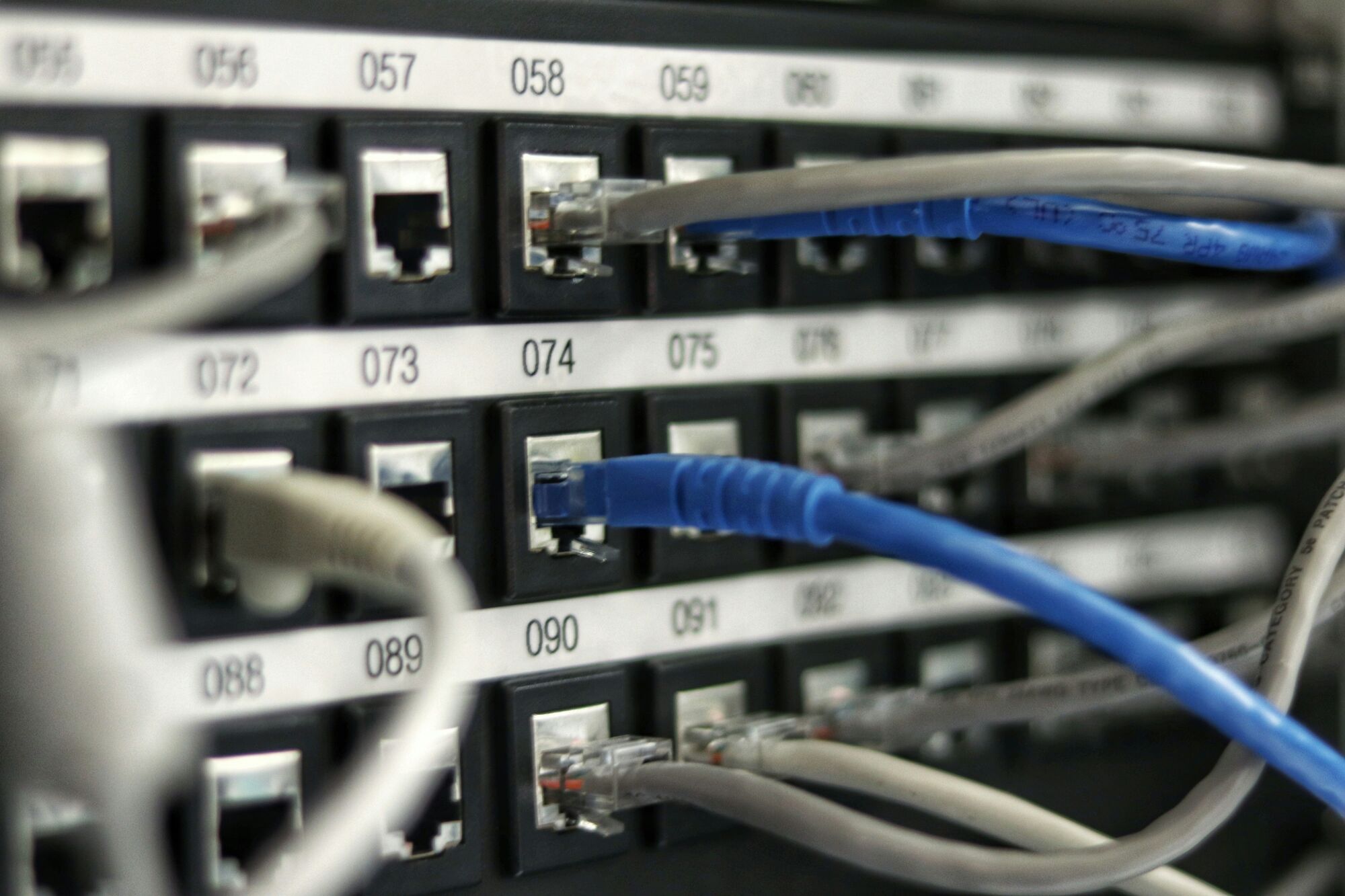
A numbered patch panel with blue and grey network leads plugged in.

What is a firewall, and which does a business need?

Last reviewed: September 2026

A firewall is a security control, in hardware, software or the cloud, that inspects the traffic entering and leaving a network and allows or blocks it according to rules. This guide explains how firewalls work, the main types and which one an organisation needs. Arke Technologies designs and manages firewalls from Johannesburg.

Insights

What is a firewall, and which does a business need?

Last reviewed: September 2026, 15 min read

A firewall is a security control, in hardware, software or the cloud, that inspects the traffic entering and leaving a network and allows or blocks it according to rules. This guide explains how firewalls work, the main types and which one an organisation needs. Arke Technologies designs and manages firewalls from Johannesburg.

Firewall definition: what a firewall is in a computer network

The firewall definition, in one sentence: a firewall is a checkpoint between two networks, or between one computer and everything else, that compares each connection with a list of rules and lets through only what the rules allow. Everything else is dropped and, on a well-run firewall, logged.

To define a firewall in computer terms: it is hardware or software that enforces a security policy on network traffic. The computer firewall meaning is borrowed from building design, where a firewall is a fire-resistant wall that stops a blaze spreading from one part of a building to the next. A network firewall contains a different kind of damage: it keeps unwanted traffic, and the attacker behind it, on the far side of the wall.

What is a firewall in a computer network, compared with a firewall on one computer? A network firewall sits where the office, campus or municipal network meets the internet, and at the boundaries inside it, and protects every device behind it. A host firewall runs on a single laptop, desktop or server and protects that machine wherever it goes, including on home and public Wi-Fi. Most organisations need both, alongside the email, identity and endpoint controls covered in our other security and network guides.
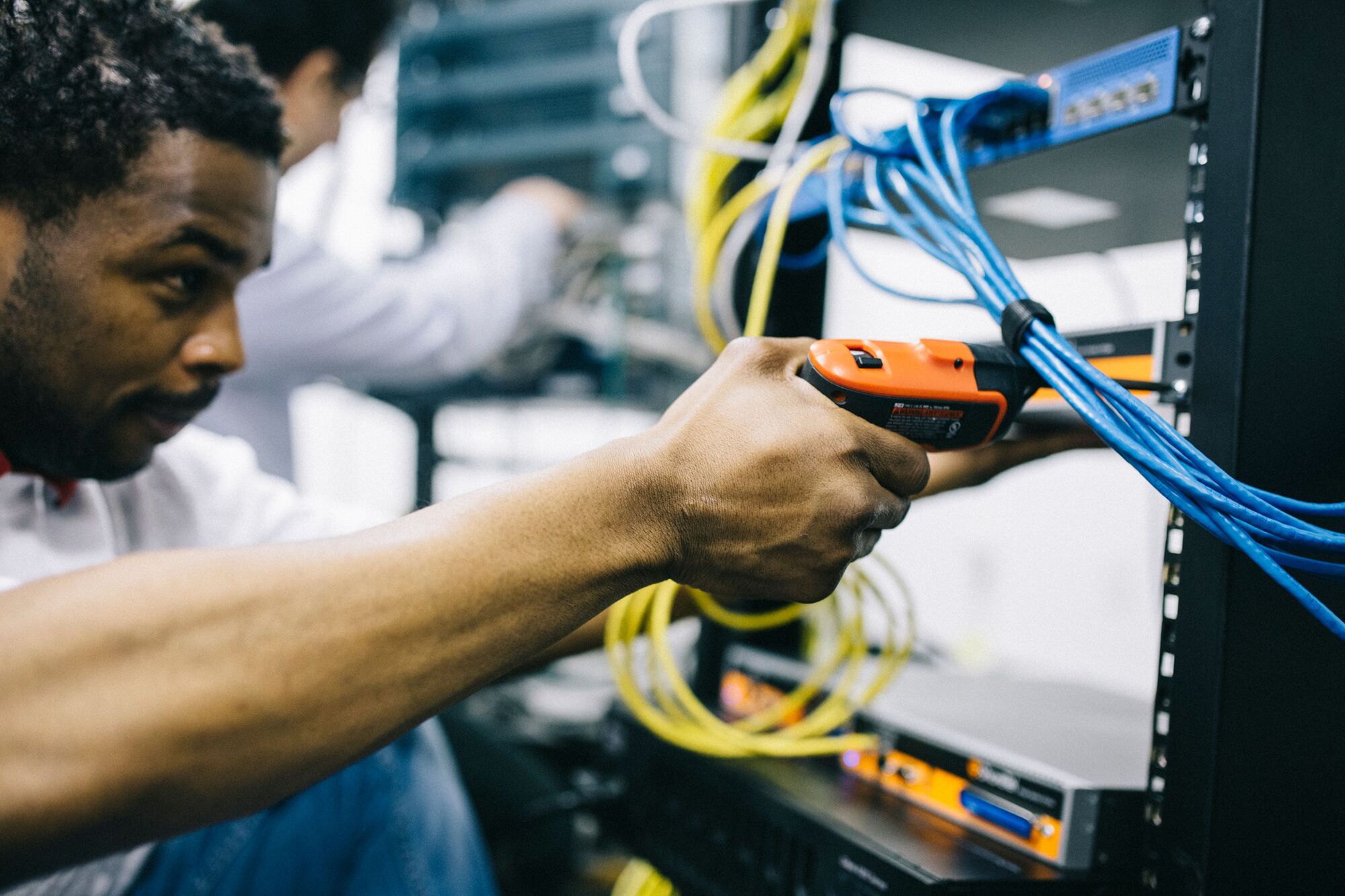
An engineer works on a bundle of blue network cables at a rack with a handheld tool.

How a firewall works: rules, ports and connections

The simplest firewall explanation is a guard with a list. Every packet of data carries a header, like the address on an envelope: where it came from, where it is going and which service it wants, identified by a port number (443 for secure web traffic, 25 for email between mail servers). The firewall reads the header and checks it against its rule base, from the top down:

  1. Match

    The firewall compares the packet's source, destination, port and protocol with each rule in turn, and the first rule that matches decides.

  2. Allow or deny

    An allow rule passes the traffic and a deny rule drops it. A sound rule base ends in "deny all", so anything no rule allows is refused and the organisation opens only what it needs.

  3. Track the conversation

    A stateful firewall remembers each connection it has allowed out and admits only the replies that belong to it, so an outsider cannot slip in traffic that merely looks like a reply.

  4. Translate addresses

    Network address translation (NAT) lets many internal devices share one public address and hides the internal layout from the internet.

  5. Inspect the content

    Next generation firewalls also look inside the traffic: which application it belongs to, which user sent it, and whether it carries a known threat.

  6. Log

    The firewall records what it allowed and blocked, which is the evidence an investigation or an audit relies on.

That is what a firewall is in networking: a policy engine at a boundary. Its protection is only as good as its rules, and rules drift. A rule opened "temporarily" for a project and never closed is a classic weakness, which is why every rule needs an owner, a reason and a review date.

Types of firewall

The types of firewall differ in how deeply they inspect traffic and where they run. These are the types of firewall in computer networks that an organisation will meet:

TypeWhat it inspectsWhere it is used
Packet-filtering firewallThe addresses, ports and protocol of each packet, one at a time (stateless)Router access lists and simple edge filtering
Stateful inspection firewallWhole connections, admitting only the replies it expectsBusiness gateways and most routers with firewall features
Proxy or application-level gatewayTraffic at the application layer, such as web requests, by standing between the user and the serverWeb proxies and specialised gateways
Next generation firewall (NGFW)Applications, users and content, with intrusion prevention, web filtering and threat feeds, including inside encrypted trafficThe main firewall at any site with servers, many remote users, several sites or compliance duties
Web application firewall (WAF)Each request to a website, portal or API, blocking attacks such as SQL injectionIn front of public web applications, in the cloud or on-premises
Cloud firewallTraffic to and from cloud workloads, as security groups, network rules or firewall-as-a-serviceAWS, Microsoft Azure and Google Cloud environments
Host-based firewallTraffic to and from one computerEvery laptop, desktop and server

Hardware or software is a second way to sort them. A hardware firewall is a dedicated appliance that protects a whole network. A software firewall runs on the computer it protects, such as Windows Defender Firewall on Windows 10 and 11, or ufw on an Ubuntu server. A virtual firewall is appliance software running on a server or in the cloud. The labels matter less than the design: the right inspection at each boundary, configured, updated and watched.

Network perimeter security, and why the perimeter moved

Network perimeter security is the set of controls at the boundary between an organisation's network and the internet: the firewall, the VPN gateway that admits remote staff, email and web filtering, and a demilitarised zone (DMZ) where public-facing servers sit apart from internal systems. For years it was treated as the main line of defence: keep attackers outside the wall and trust whatever sits inside.

That model no longer holds on its own. Staff work from home and on mobile data, email and files live in Microsoft 365 or Google Workspace, and applications run in the cloud, so much of the traffic that matters never crosses the office firewall. An attacker who steals a password can sign in to a cloud mailbox from anywhere, and the office firewall never sees it.

The answer is zero trust: verify every request on its merits, whoever and wherever it comes from. In practice that means multi-factor authentication and conditional access on every sign-in, checks that a device is managed and patched before it connects, and segmentation inside the network, so that one compromised device cannot reach everything. The firewall still matters; it has become one control among several rather than the whole defence. See Microsoft 365 security and zero trust.

The human firewall: meaning and why it matters

The human firewall meaning is simple: the staff who recognise a phishing email, a fake invoice or a suspicious phone call, and report it instead of acting on it. The term is a metaphor, but the job is real. Many attacks arrive through channels a firewall has to allow: an email that passes the mail filter, a link to a convincing fake sign-in page, a call to the finance team asking for new banking details.

Training builds that layer: short, regular sessions and simulated phishing, with results reported to management so the organisation can see whether the habit is taking hold. See security awareness training.

What a firewall does not do

A firewall reduces the ways in; it does not make an organisation secure on its own. It will not:

  • Stop a phishing email that arrives through your normal mail service, or a user who types a password into a fake sign-in page. That is the work of an email security gateway and of trained staff.
  • Protect cloud accounts that staff reach from home or from their phones; that is the job of identity controls such as multi-factor authentication.
  • Patch the systems behind it. A server exposed through an allowed port is only as safe as its updates, and firewalls and VPN gateways need their own firmware updates, because attackers target them directly.
  • Stop ransomware alone. It can block known malicious destinations and limit how far an infection spreads between network segments, but stopping ransomware depends on endpoint protection, and recovering from it on backups whose restores have been tested.
  • Fix a bad rule base. An "allow any" rule, or remote desktop opened to the whole internet, undoes the rest.

For the wider picture of threats and controls, read what is cyber security.

Which firewall does a business need?

The right firewall follows from what you are protecting. Start with four questions. Is there a server on site, holding files, a database or an application? Do people work remotely, and how many? Does a law, a contract or an insurer require security controls and logs? Is there more than one site?

If none applies, a business gateway will usually do. A server, a compliance duty or several sites each call for a next generation firewall with an active security subscription. A handful of remote users on their own do not, but many do, as does remote access that must check the device and the user before it connects.

SituationFirewall that usually fitsWhy
A small office on cloud applications, with no serversA business gateway: stateful firewall, VPN and basic filteringLittle to protect on site; identity controls carry more of the weight
An office with a server, many remote users or compliance dutiesA next generation firewall with a security subscriptionDeep inspection, user-based rules and the logs an audit asks for
Several sites or branchesNext generation firewalls under central management, often combined with SD-WANOne policy across every site, and resilient links between them
A school, campus or municipal buildingA next generation firewall with content filtering and separate networks for staff, learners or the public, cameras and administrationKeeps public and learner networks away from finance and records systems
Public websites, citizen portals or APIsA web application firewall in front of each applicationBlocks web attacks that a network firewall passes as ordinary traffic
Workloads in AWS, Azure or Google CloudCloud-native firewall rules, plus a cloud WAF where there is a web front endThat traffic never touches the office firewall

Three further choices shape the design. High availability, a pair of firewalls in which one takes over if the other fails, suits any site where an outage stops work. Throughput should be sized with every inspection feature switched on, because a firewall's headline speed is usually measured with inspection off. And the firewall belongs on a UPS with the fibre router and core switch: if it loses power, through load-shedding or a fault, the whole site loses its connection.

Organisations with several sites should also read what SD-WAN is, because the firewalls and the links between sites are often designed together. Schools carry extra duties, from content filtering for learners to POPIA obligations for learner and parent data; see school networks and Wi-Fi.

What a firewall costs to run

A firewall's cost has three parts, and the appliance is only the first. For a next generation firewall, the security subscription that feeds its threat intelligence typically costs as much as, or more than, the hardware over three years (Server Hub  (opens serverhub.co.za), September 2026), so compare quotes on the three-year total rather than the price of the box. Budget for:

  • The appliance, sized to your connection speed and user count with inspection enabled, or a high-availability pair where downtime is costly.
  • The subscription, in one-, three- or five-year terms, with the renewal price in rand on the original quote and in the budget from the first year. When it lapses, the inspection engines stop receiving updates.
  • Management: rule reviews, firmware updates, configuration backups, log review and licence renewals.

Firewall management often sits inside a managed IT agreement; published South African managed IT rates run from about R180 to R400 per user per month (matnet.co.za, September 2026). Appliances and subscriptions are quoted in rand, VAT included, by Server Hub  (opens serverhub.co.za), our hardware division. For the full picture, see how much managed IT services cost.

How Arke Technologies designs and manages firewalls

  1. Assess

    We review the current firewall, its rules, firmware, licences and logs against your network diagram and risks, and report what we find.

  2. Design

    Zones, rules, VPNs and high availability, sized with inspection switched on and documented before anything changes.

  3. Supply and deploy

    Appliances and licences through Server Hub, registered in your organisation's name, installed in an agreed change window with a tested rollback.

  4. Manage

    We configure and monitor firewalls from Fortinet, Sophos, Cisco, MikroTik, Ubiquiti UniFi and TP-Link Omada, and recommend the platform that fits your network and budget. Firmware updates, rule changes and licence renewals run through change control, and faults are raised as tickets.

  5. Respond

    Incidents are prioritised from P1, a critical outage, to P4, a low-impact request, with response and resolution targets agreed in your SLA to match the business impact of downtime.

  6. Review

    A monthly service review and report covers changes, blocked threats, licences falling due and recommendations.

The full service is described on our firewalls and network security page.

Governance, compliance and procurement

  • Governance. Every rule change carries a requester, an approver and a reason, and the rule base is reviewed on an agreed cadence so that rules no one can explain are removed. Firewall logs are kept for an agreed period and can feed a SIEM such as Microsoft Sentinel, so firewall events sit beside sign-in and endpoint alerts.
  • Compliance. POPIA section 19 requires reasonable technical and organisational measures to secure personal information, and a managed, logged firewall is part of that evidence. King IV Principle 12 places technology and information governance with the board, and PFMA and MFMA audits in departments and municipalities expect documented controls. We work to CIS Controls, the NIST Cybersecurity Framework and ISO/IEC 27001-aligned practice.
  • Procurement. Arke Technologies (Pty) Ltd is a Level 1 B-BBEE contributor (sworn affidavit available on request), giving buyers 135% procurement recognition. Company documents, our CSD supplier number and SARS tax compliance status are available on request.
  • Continuity. Administrator credentials, configuration backups, rule documentation and licences are yours, so a change of provider never leaves you locked out of your own network.

Get our guides by email

Plain, sourced guides for the people who decide on and buy technology, sent to your inbox.

Topics (optional)

Leave these clear to receive everything.

By signing up, you agree that Arke Technologies (Pty) Ltd may email you guides and updates. Every email includes an unsubscribe link. Read our privacy notice.

Frequently asked questions

What is a firewall in simple terms? Show answer

A firewall is a security guard for network traffic: it checks each connection against a set of rules and blocks anything the rules do not allow. It can be a dedicated device protecting a whole office, software on a single computer, or a service in the cloud. Most organisations use more than one, each protecting a different boundary.

What are the main types of firewall? Show answer

The main types of firewall are packet-filtering, stateful inspection, proxy or application-level, next generation (NGFW), web application (WAF), cloud and host-based firewalls. They differ in how deeply they inspect traffic, from addresses and ports up to applications, users and content, and in where they run: on an appliance, on a computer or on a cloud platform.

What is the difference between a hardware and a software firewall? Show answer

A hardware firewall is a dedicated device that protects a whole network, while a software firewall runs on one computer and protects only that machine. The hardware firewall also covers printers, cameras and other devices that cannot run their own firewall, and enforces segmentation and VPNs centrally. The software firewall keeps protecting a laptop on home or public Wi-Fi. Use both.

Does my router have a firewall? Show answer

Most routers include a basic firewall: network address translation and stateful filtering that block unsolicited connections from the internet. That is enough for a home, and for a small office on cloud applications with no servers. It is not enough where there are servers, many remote users, several sites or compliance duties, which call for a dedicated firewall that is configured, updated and monitored.

Do I need a firewall if I have antivirus? Show answer

Yes, because a firewall and antivirus stop different things. The firewall controls which connections reach and leave a network or computer; antivirus, now usually called endpoint protection, detects and stops malicious software on the device itself. An attack blocked at the firewall never reaches the laptop, and malware that arrives by email is caught on the laptop. Each covers gaps the other leaves.

What is a human firewall? Show answer

A human firewall is the staff who recognise and report phishing emails, fake invoices and social-engineering calls instead of acting on them. The term describes the last line of defence against attacks that arrive through channels a technical firewall must allow, such as email. Regular awareness training and simulated phishing, with results reported to management, build and measure that layer.

What is network perimeter security? Show answer

Network perimeter security is the set of controls that protect the boundary between an organisation's network and the internet: firewalls, VPN gateways, email and web filtering, and a DMZ for public-facing servers. It remains necessary, but with cloud services and remote work much traffic never crosses that boundary, so identity controls and internal segmentation now carry equal weight.

Can a firewall stop ransomware? Show answer

A firewall reduces ransomware risk but cannot stop it alone. It blocks known malicious destinations, closes exposed services such as remote desktop, and limits how far an infection spreads between network segments. Prevention still depends on patched systems, endpoint protection and staff who do not click the link, and recovery on backups whose restores have been tested.

Find out what your firewall allows

A firewall assessment reviews your rules, firmware, licences and exposure, and gives you a written report you keep, whoever manages the firewall afterwards.