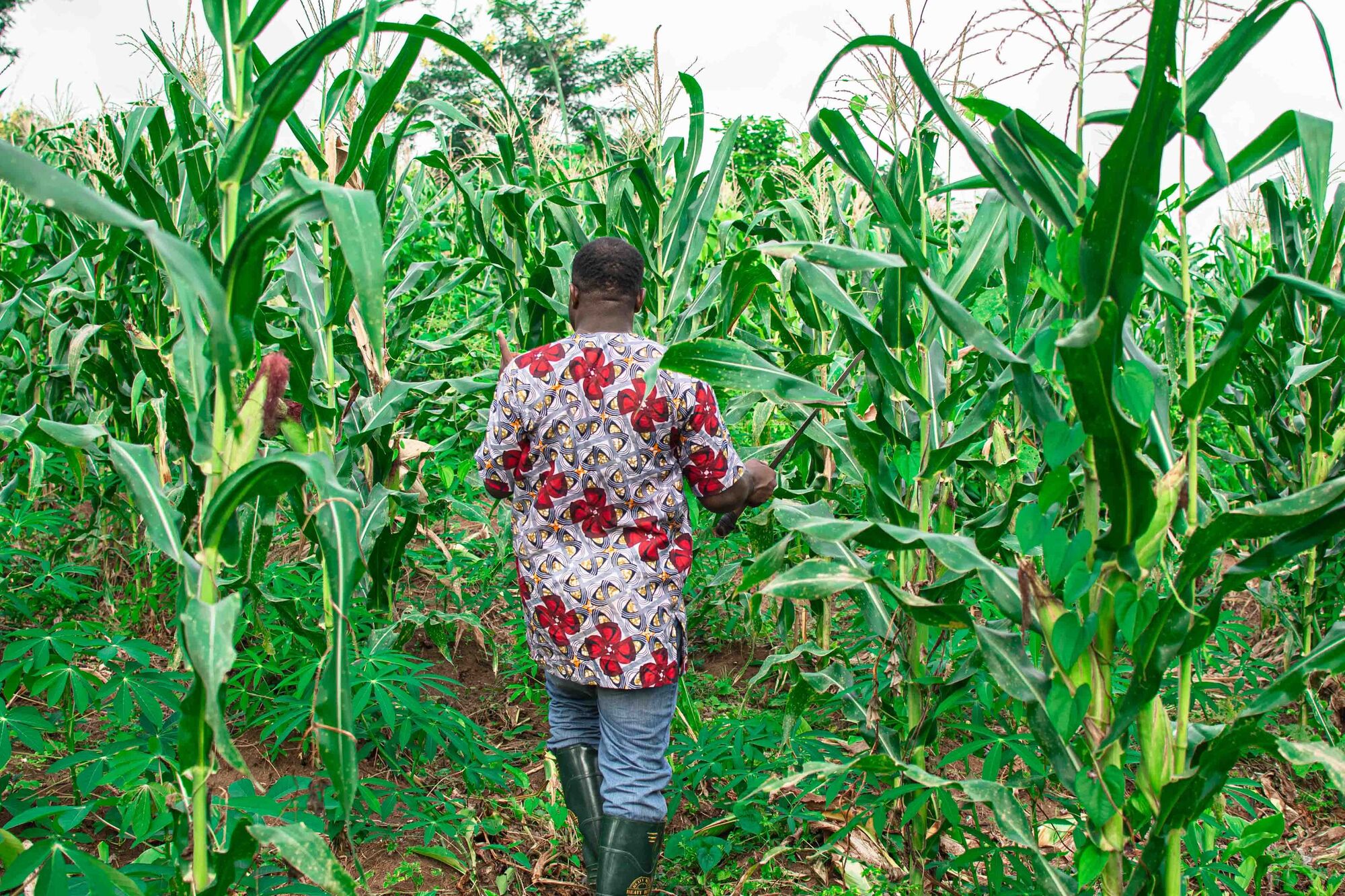
Offline-first field apps
Order capture, inspections, deliveries and stock counts that work with no signal and sync when it returns, for rural routes, mines and depots where coverage drops.


Mobile app development is the design, build, testing and release of apps for iOS and Android phones and tablets. Arke Technologies, a Johannesburg app development company, builds native, Flutter and offline-first apps for organisations, public bodies and schools across South Africa, then supports them after launch under an SLA.
Mobile application development covers far more than the app on the phone. A working app has three parts: the app itself, the back end it talks to (APIs, a database, sign-in and push notifications), and a web interface where staff manage content, users and data. Much of the cost and most of the risk sit in the second and third parts, so we scope all three together.
For an organisation, corporate app development usually serves one of three jobs. It puts a process in the hands of field staff (orders, inspections, deliveries, stock counts), it gives customers or citizens a service they can use on the move, or it gives employees one place for approvals, communication and self-service. In mobile phone app development, apps for the public and apps for a workforce are judged differently: consumer apps compete for attention in the app stores, while staff apps are distributed privately and judged on reliability.
The first technical decision is how the app is built. "Mobile application platform" can mean the phone's operating system or the framework used to build for it, and both shape cost, performance and who can maintain the app later.
| Approach | Programming languages and tools | Strengths | Trade-offs |
|---|---|---|---|
| Native iOS | Swift, Xcode | Full access to Apple features; top performance | A separate codebase from Android |
| Native Android | Kotlin, Android Studio | Full access to Android features across a wide range of devices | A separate codebase from iOS |
| Flutter | Dart, one codebase | One team ships iOS and Android; consistent design; well suited to offline-first apps | Larger app size; some device features need native code |
| React Native | TypeScript, one codebase | Shares skills and some code with React web apps | Native modules still needed for some hardware |
| Ionic or a progressive web app | Web technologies | Quickest route from an existing web app | Weaker offline and device access; less native feel |
| Xamarin | C# | Existing apps still run | Microsoft ended Xamarin support in May 2024; plan a migration |
For most business apps we recommend Flutter app development, because one codebase for iOS and Android means one team, one test suite and one release cycle. We go native when an app needs deep hardware access or peak performance, and we recommend a web app when installing anything is a barrier. Existing Xamarin or older hybrid apps are a job for legacy system modernisation.


Order capture, inspections, deliveries and stock counts that work with no signal and sync when it returns, for rural routes, mines and depots where coverage drops.

Account self-service, bookings, notifications and payments through PayFast, Yoco, Paystack, Peach Payments or Stripe.

Approvals, leave, incident reporting and internal communication, distributed privately through Intune or Apple Business Manager rather than the public stores.

Most apps need a web back office, so we build the web and mobile sides on shared APIs, keeping data and business rules in one place.

ERP, CRM, accounting and identity integration, so the app is not another island.
A VoIP mobile app is usually not a build: the softphone your phone system already provides can ring on staff handsets, set up under Microsoft Teams, VoIP and business telephony.

01.
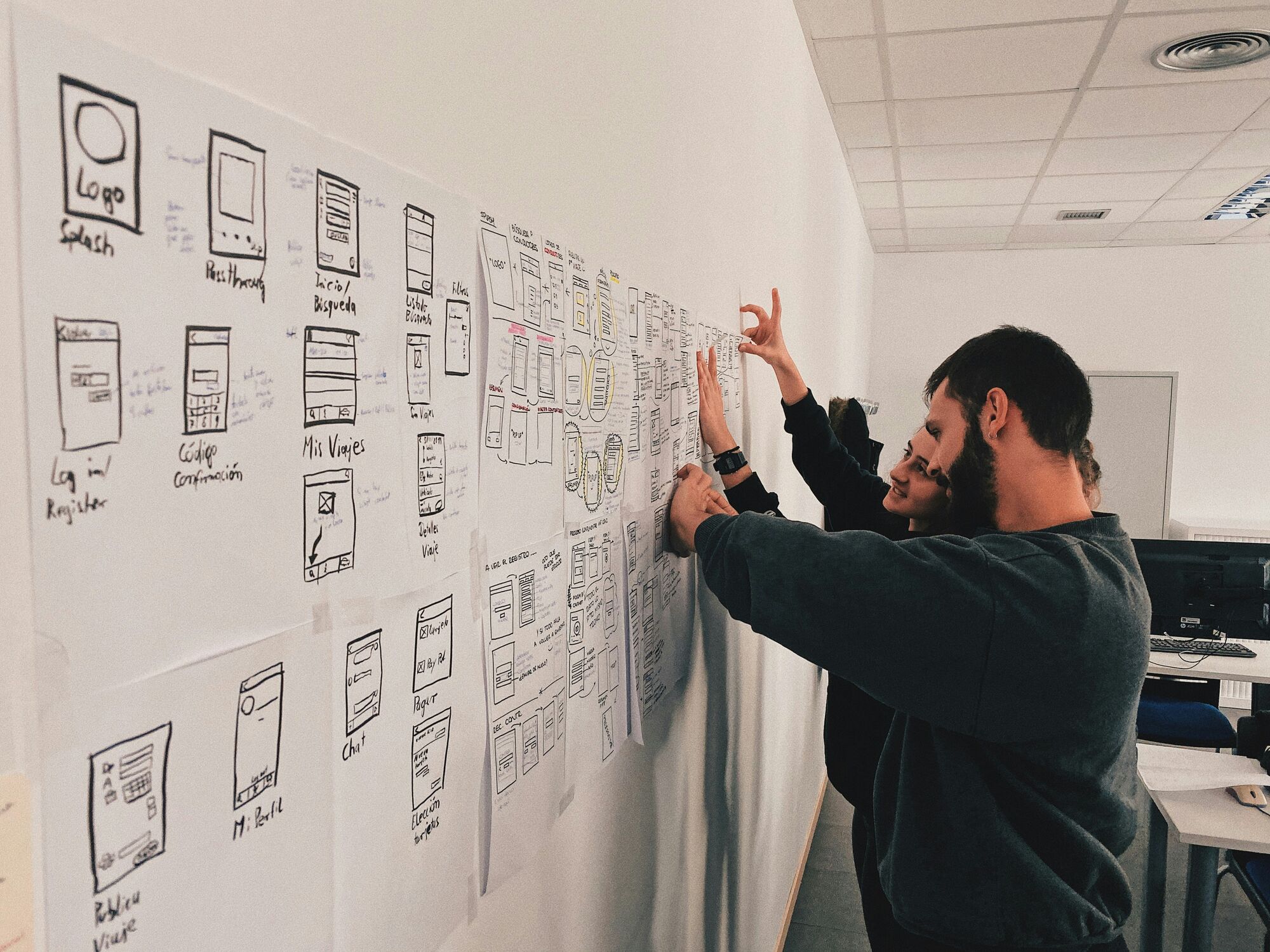
We watch the job being done, then turn it into user journeys, wireframes and a clickable prototype that real users try before any build begins. Our app designers work with the developers in the room, so every screen we design can be built and tested.
02.
We design the data model, the offline sync rules, the APIs and sign-in, and decide what data may live on the device at all.
03.
Test builds reach your pilot users at each iteration from separate dev and test environments, alongside the web back office.
04.
Automated tests, testing on the low-cost Android handsets your staff actually carry as well as current iPhones, and a security review against OWASP mobile guidance, with a penetration test where the risk warrants it.
05.
Store listings, privacy disclosures and submission to the Apple App Store and Google Play, or private distribution for staff apps.
06.
Phone operating systems change every year, so we keep the app current under a support SLA with a monthly service review.
Last reviewed: September 2026.
How much app development costs depends on six things:
We do not publish rates; we quote each app in writing after discovery, in phases you approve one at a time. Read app and software development cost in South Africa.
| Route | Suits | Limits |
|---|---|---|
| Build or create your own app with no-code app development programs | Prototypes and simple internal forms | Weak offline support, security and integration; locked to the builder |
| A freelance app developer | A small, well-defined app | Continuity and support after launch |
| Mobile app developers in-house | A long-term product with a steady roadmap | Hiring for iOS, Android, back end, design and testing at once |
| A mobile app development company or firm | Business-critical apps, integrations and regulated data | Needs a clear scope and an engaged sponsor |
Comparing app developers in South Africa? Ask each for a working app you can install, its approach to offline use and security, and who supports the app after launch. For how the rest of our software work fits together, see custom software development, SaaS product development and DevOps, testing and quality engineering.
The cost of developing an app in South Africa depends on the platforms, the back end, offline sync, integrations and the security you need, so a reliable figure follows discovery. A single-purpose staff app and a customer platform with payments sit in very different brackets. We quote in writing, in phases, and price support after launch separately.
A freelancer usually costs less upfront than an app development company, but the two prices cover different things. A company quote should include design, the back end, testing, security, store release and support; a freelance quote often covers the app alone. Compare like with like, and ask who maintains the app when phone operating systems change each year.
AI assistants can generate code for a simple app, and they speed up routine work for experienced developers. They do not replace the decisions that make a business app dependable: architecture, data design, security, testing, store compliance and support. Use them to prototype an idea, and use an accountable team for anything that handles customer data, money or daily operations.
Generally, yes: South African law does not bar developers from using AI tools to write code. The questions to settle are practical: the tool's terms on who owns the output, open-source licences in generated code, and any personal information you paste into the tool, which POPIA governs. A code review before release catches most of these issues.
Yes. You can sell an app through the Apple App Store and Google Play, charge a subscription, or license it to other organisations. First make sure you own the code and the intellectual property, that the app meets each store's policies and that your privacy notice satisfies POPIA. Selling one platform to many clients is a SaaS model; see SaaS product development.
No single language is best; the right one depends on the approach. Dart with Flutter covers iOS and Android from one codebase, Swift is the native language for iOS, Kotlin is native for Android, and TypeScript powers React Native. Choose the language your future maintainers can hire for, not only the one that is quickest to start with.
You can start for free: Android Studio, Xcode and Flutter cost nothing to download, and many no-code builders offer free tiers. Publishing is not free, because both app stores charge developer-account fees, and hosting, back-end services and maintenance carry running costs. Free tools suit learning and prototypes; a business app needs a budget for security and support.
Tell us who will use the app, where they will use it and what it must connect to, through our contact page. We aim to respond to new enquiries within one business day.