

Business Wi-Fi on the right access points, designed and managed
Access points are the devices that turn a wired network into Wi-Fi, and their placement, power and settings decide whether it works. Arke Technologies, in Johannesburg, surveys, designs, installs, secures and manages business wireless networks for offices, warehouses, campuses, schools and public buildings across South Africa, under one SLA.
What access points do, and why a router is not enough
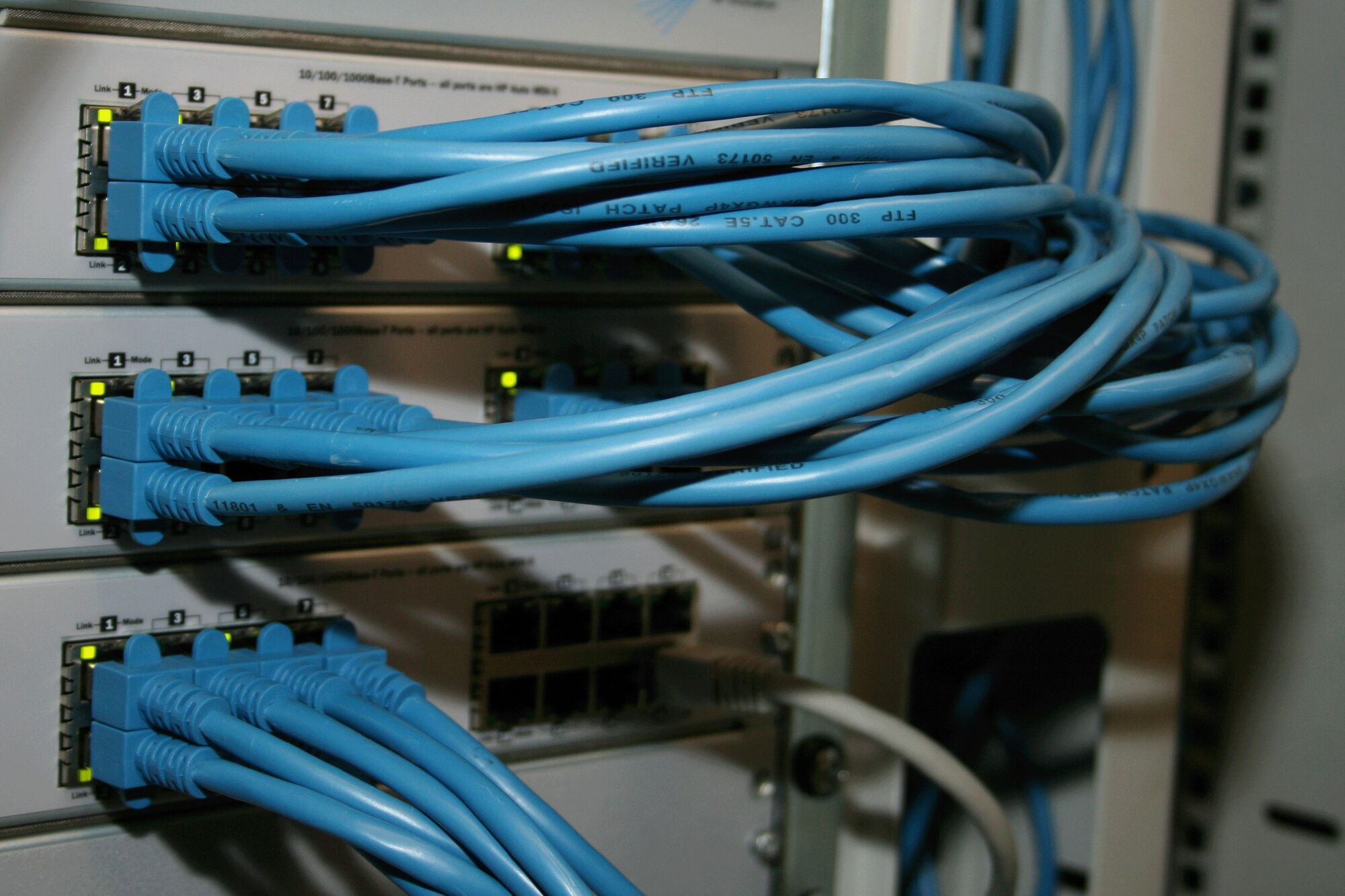
In networking, access points connect wireless devices to the wired network. Each wireless access point is cabled back to a switch, which usually powers it too, and broadcasts one or more Wi-Fi networks to the devices around it. A router does a different job: it connects your network to the internet and to other sites. Consumer routers combine both in one box; business networks separate them, so one failure does not take everything down.
A wireless network, or wireless LAN network, is the set of access points, controllers and settings that give users the same secure connection wherever they move. A computer wireless network in an office is the familiar example. Business access points are managed centrally, from a controller on site or a cloud dashboard, so settings, firmware and security stay consistent.
Buying the hardware? Server Hub's guide to Wi-Fi access points for business (opens serverhub.co.za) explains the choices. This page covers designing, installing and running the network, as part of our network infrastructure service.

How many access points do you need?
The number of access points depends on floor area, walls, the number of devices. A common starting point is one access point per 150 square metres of open office (serverhub.co.za, September 2026). A classroom of learners with tablets, a call centre or an auditorium needs more for capacity.
You can have too many access points: units on the same channel interfere with each other, and devices cling to a distant access point instead of roaming. That is why placement and power settings come from a survey, not a rule of thumb.
Wireless security: Wi-Fi Protected Access, keys and threats
 Wi-Fi Protected Access. WPA3 is the current standard, and WPA2 remains common on older devices. We switch off older, broken methods.
- The network security key. On a home or small-office network, the network security key for Wi-Fi is the shared password. In an organisation, staff should sign in with their own credentials instead (802.1X, linked to a directory such as Microsoft Entra ID), so a leaver's access ends with their account.
- Guest isolation. Guests reach the internet only, on their own VLAN, never your internal systems.
- Rogue and interference detection. The wireless system flags unknown access points and sudden interference, such as a wireless network jammer on site.
- A managed edge. A unified threat management (UTM) firewall controls what wireless users can reach; see firewalls and network security.
- POPIA. Captive portals and guest registrations collect personal information, so we set retention, consent wording and access controls to suit POPIA.
Access point brands we configure
We design and configure Cisco access points, the Fortinet access point range, TP-Link access points on the Omada platform, Ubiquiti UniFi and MikroTik. That is hands-on experience, not a reseller agreement, so the recommendation follows your requirements: Cisco wireless access points where an enterprise estate already standardises on them, and simpler cloud-managed Wi-Fi solutions where one dashboard for many small sites matters more.
The price of access points varies with the Wi-Fi standard, the number of radios, indoor or outdoor housing, and whether management needs a subscription licence. Server Hub (opens serverhub.co.za) supplies the hardware, configured and bench-tested, with local warranty and current prices in rand, VAT included.
Wi-Fi for voice, video and unified communications
What is unified communications? It is voice, video, meetings, messaging and presence on one platform, such as Microsoft Teams Phone or Cisco Unified Communications Manager (CUCM). A unified communications platform is unforgiving on Wi-Fi: calls drop when a device roams badly or a radio is overloaded. We design for it with fast roaming, priority for voice and video traffic, and capacity headroom in meeting rooms. Our Microsoft Teams, VoIP and business telephony service covers the platform side.
Wi-Fi troubleshooting: when a wireless network keeps disconnecting
Most reports of Wi-Fi connection failure trace back to a handful of causes:
- Weak signal or poor roaming. The device holds on to a distant access point; a design or power-setting fix.
- Channel interference. Neighbouring networks, or too many access points on one channel.
- Overloaded access points. Too many devices on one radio, common in meeting rooms and classrooms.
- Sign-in problems. Expired passwords or certificates, or a misconfigured authentication server.
- The device itself. Every laptop or PC has a wireless network adapter, also called a wireless network interface card or wireless network interface controller: built in, or a USB wireless network adapter. Outdated drivers and power-saving settings cause many drops, and sometimes a better wireless network card for the PC is the fix.
- Power. Access points restarting because the PoE switch has run out of power budget.
To manually connect to a wireless network in Windows 10 or 11, open Settings, then Network and Internet, then Wi-Fi, choose Manage known networks and add a network by name and security type. Free utilities such as Wireless Network Watcher list the devices on a network. A home-style Wi-Fi router setup is rarely the right basis for an office. In a managed network, our monitoring usually flags the cause first, so a wireless network connection problem becomes a ticket rather than a complaint.
Wi-Fi is not the internet line: choosing a provider
Searches for the best WiFi in South Africa, the fastest WiFi in South Africa or a top 10 list usually mean the internet connection, not the wireless network inside the building. WiFi service providers in South Africa, more accurately internet service providers, supply the line; the access points and the design decide how well that line reaches each desk. A fast fibre line behind poor Wi-Fi still feels slow.
For business wireless internet, our connectivity division Fibre Boyz (opens fibreboyz.co.za) supplies and supports uncapped fibre and fixed LTE, so one company carries the line, the Wi-Fi and the support. If you are comparing uncapped fibre deals for an office, see business connectivity and our guide to business fibre vs home fibre.
Governance, compliance and procurement
- Service governance. Wi-Fi is managed under your SLA: response and resolution times, change control for configuration changes, firmware on a schedule, a named service lead, and a monthly service review and report.
- Compliance. Wireless security aligned with POPIA's safeguards, ISO/IEC 27001 and the CIS Controls, with King IV Principle 12 reporting for boards and audit evidence for PFMA and MFMA entities. Schools get learner-safe filtering and separate learner, staff and administration networks; see school networks and Wi-Fi.
- Procurement. Arke Technologies (Pty) Ltd is a Level 1 B-BBEE contributor (sworn affidavit available on request). Company documents, our CSD supplier number and SARS tax compliance status are available on request, and we complete SBD forms when a bid requires them.
- Continuity and exit. The wireless controller or cloud dashboard is registered to your organisation, and you hold the administrator credentials, configurations and floor plans. If you change provider, nothing has to be rebuilt.
What a business Wi-Fi project costs
We quote Wi-Fi projects after a site survey, and ongoing management as part of a managed IT services SLA. What drives the cost:
- floor area, wall construction and the number of floors;
- the number of users and devices, and how demanding their applications are;
- indoor, outdoor or point-to-point links;
- cabling and PoE switching, where new runs are needed;
- controller or cloud-management licences;
- after-hours installation to avoid disruption.
For context, published rates for IT project work in South Africa run from about R550 to R750 an hour ex VAT (matnet.co.za, September 2026). Hardware is priced separately through Server Hub.
Last reviewed: September 2026.